Free Shipping – Store Wide
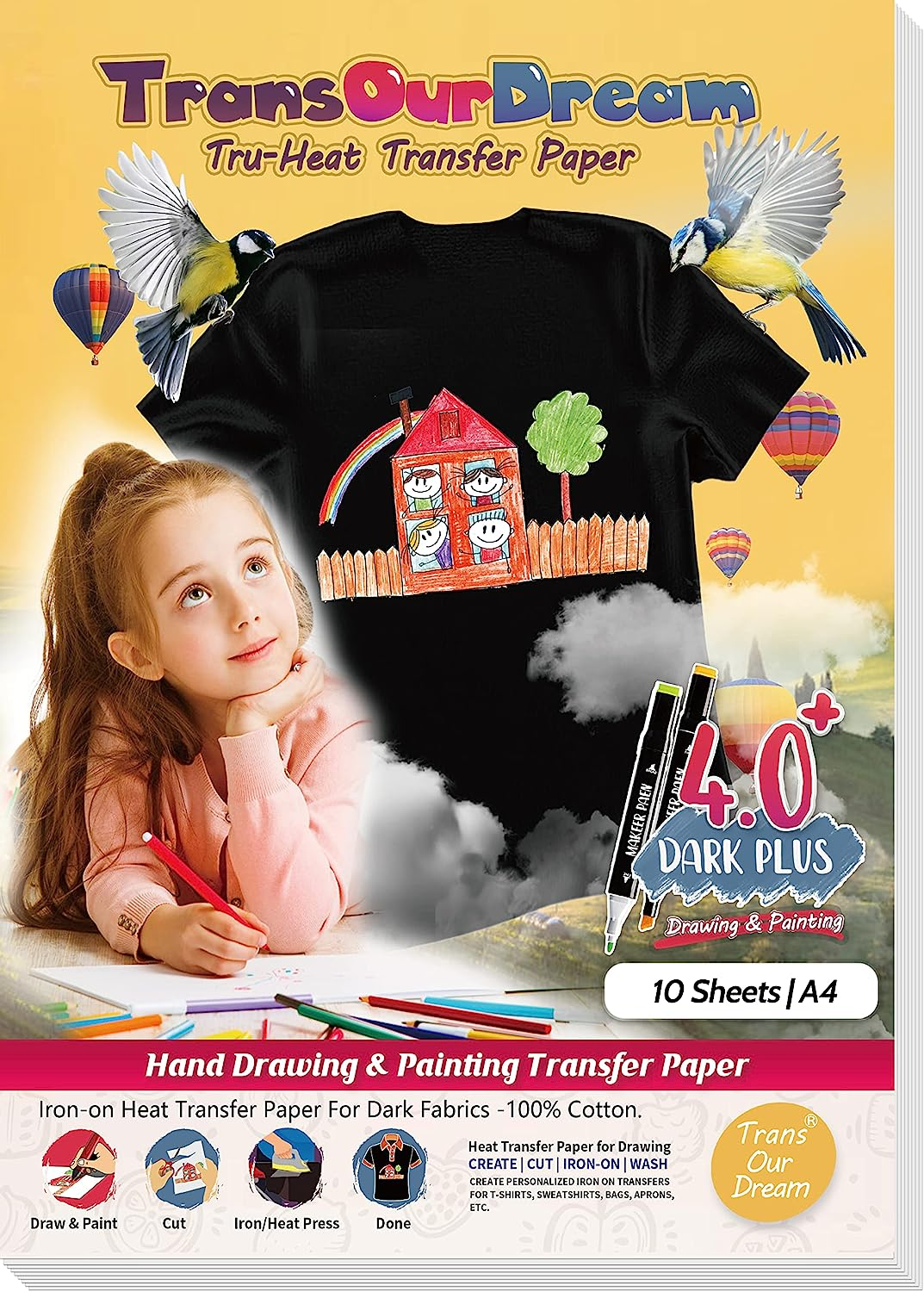
Transourdream Draw Iron on Heat Transfer Paper for T Shirts (10 Sheets A4, Dark 4.0 Plus) Drawable HTV Heat Transfer Vinyl for Inkjet Printer DIY Iron on Transfers for T Shirts (TRANS-D4-20)

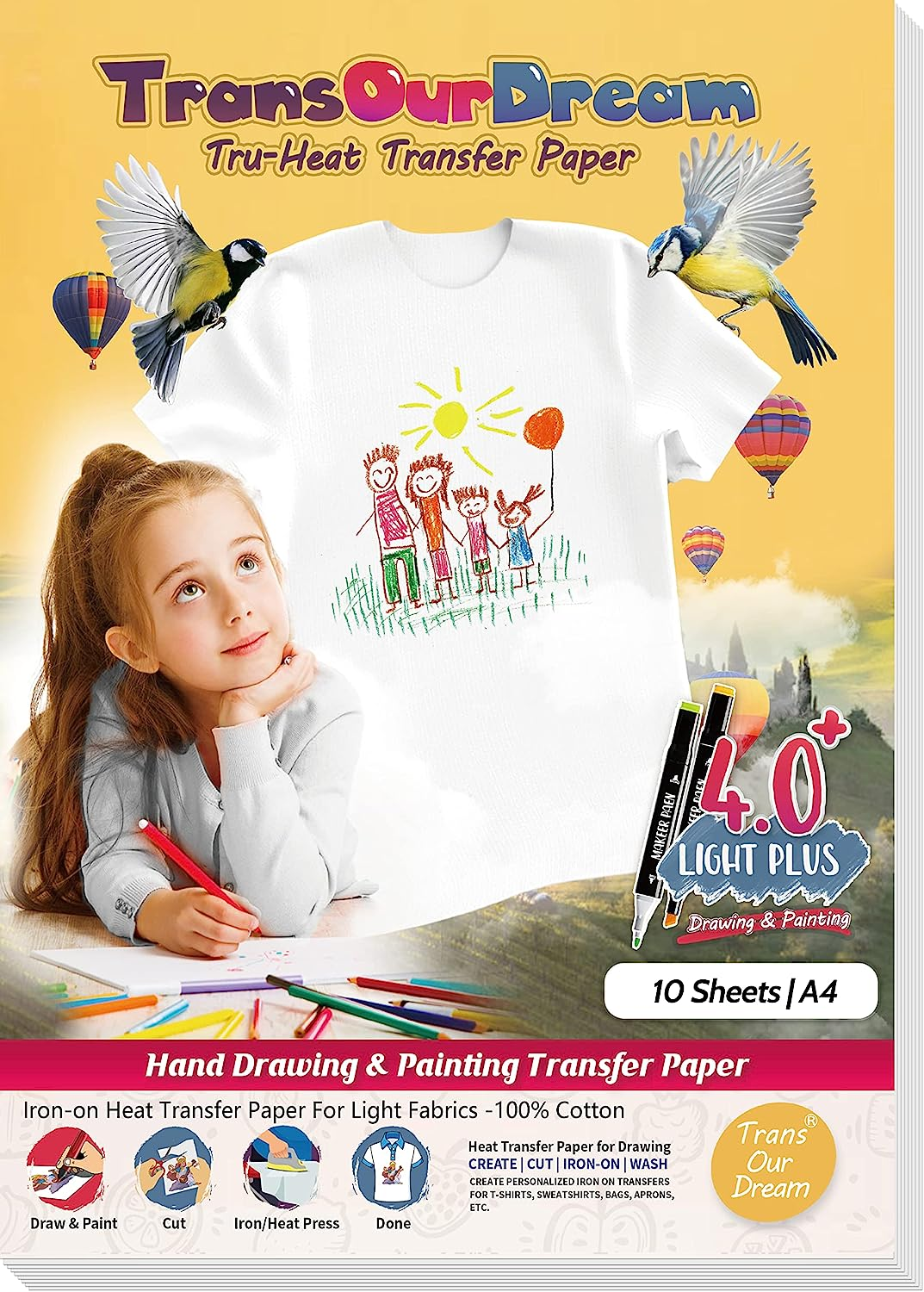
Transourdream Draw Iron on Heat Transfer Paper for T Shirts (10 Sheets A4, Dark 4.0 Plus) Drawable HTV Heat Transfer Vinyl for Inkjet Printer DIY Iron on Transfers for T Shirts (TRANS-D4-20)
A$20.80
-
A$23.40
Colour
Availability:
-
Select Styles for Availability
Product details
- DRAW BY HANDS: We suggest infusible ink markers.Draw anything you want then transfer your paintings onto T shirts. Show your creativity in more materials with this printable iron on vinyl.Pack of 10 sheets Dark 4.0 Plus transfer paper and 1 sheet reusable Teflon Paper.
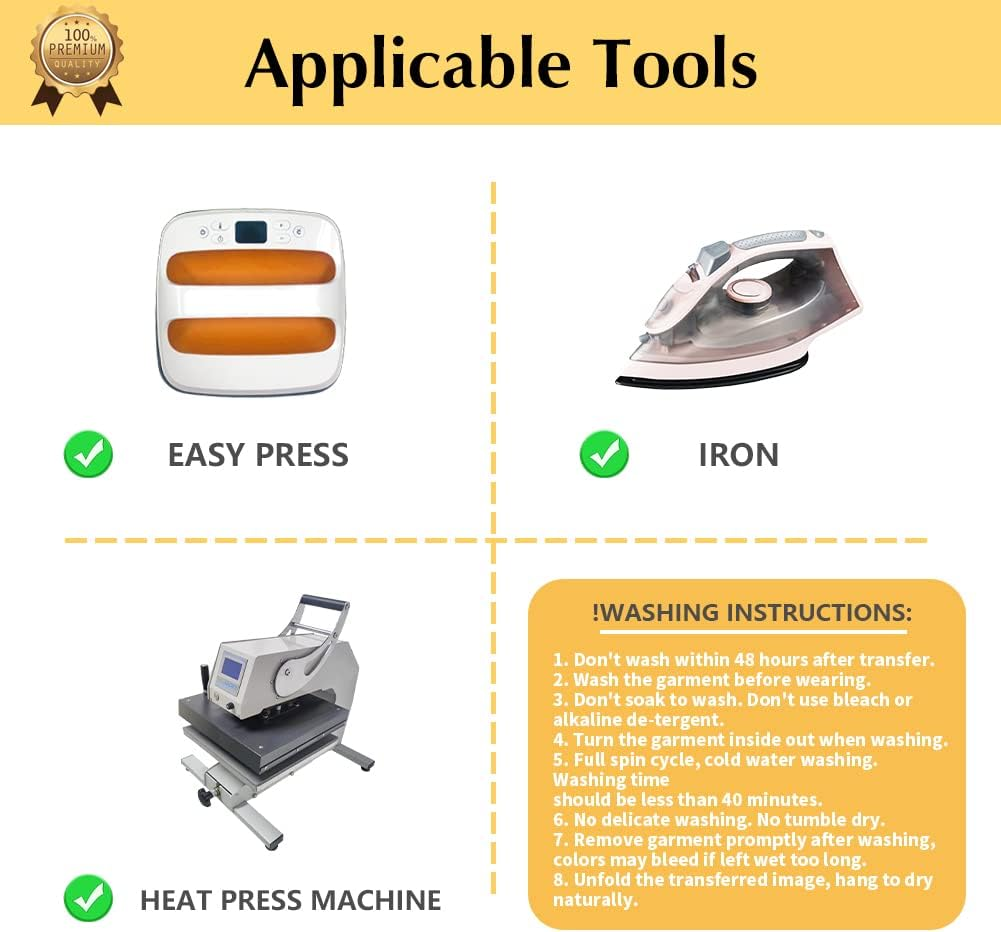
- REQUIREMENTS: Infusible ink markers(Different ink has different transfer effect, we suggest infusible ink markers,for other markers please have a test at first) | Scissors or Cutting Machine (Cricut, silhouette and more)| Iron or Easy Press or Heat Press machine | Teflon Paper (in the pack).
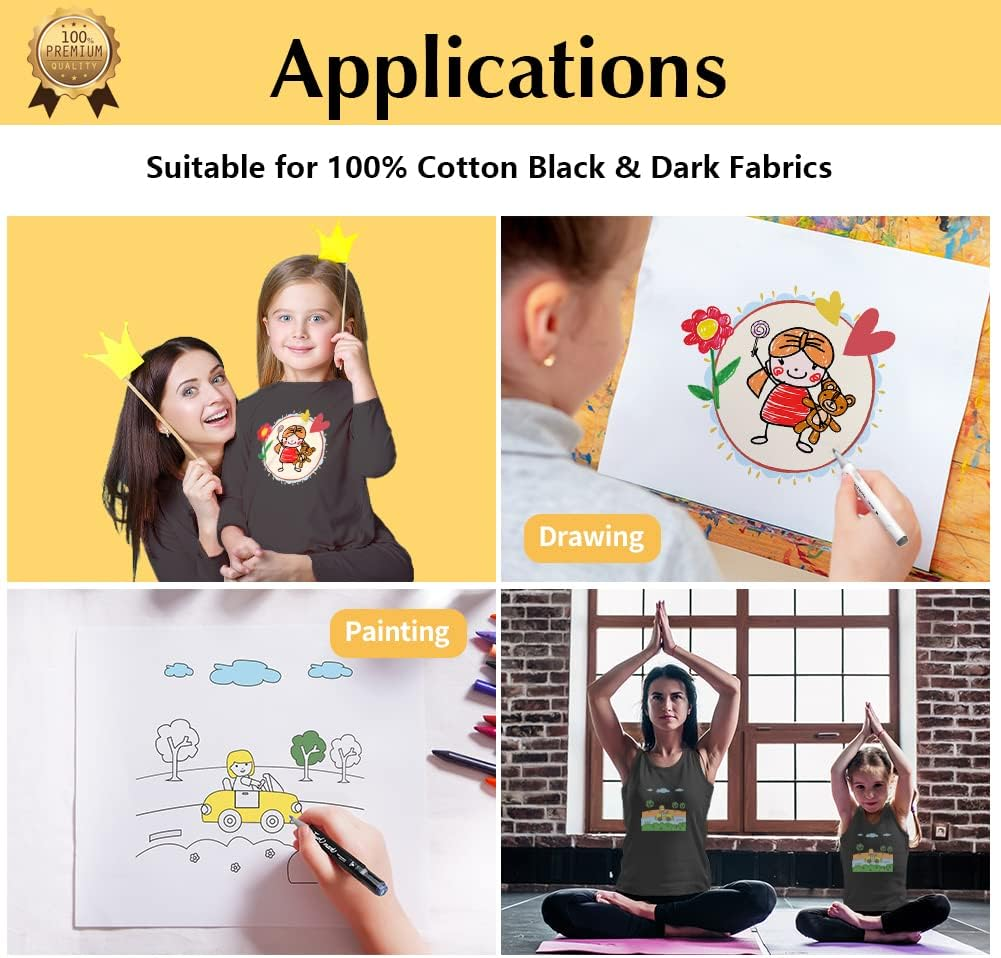
- APPLICATIONS: The Upgraded Dark 4.0 Plus printable htv vinyl can transfer your designs, paintings to dark or black t shirts or fabrics. Make custom personalized DIY gifts to your friends or family on Mother's Day, Father's Day, Birthday, Thanksgiving, Easter, Halloween, Christmas, Valentine's Day or Wedding Day.
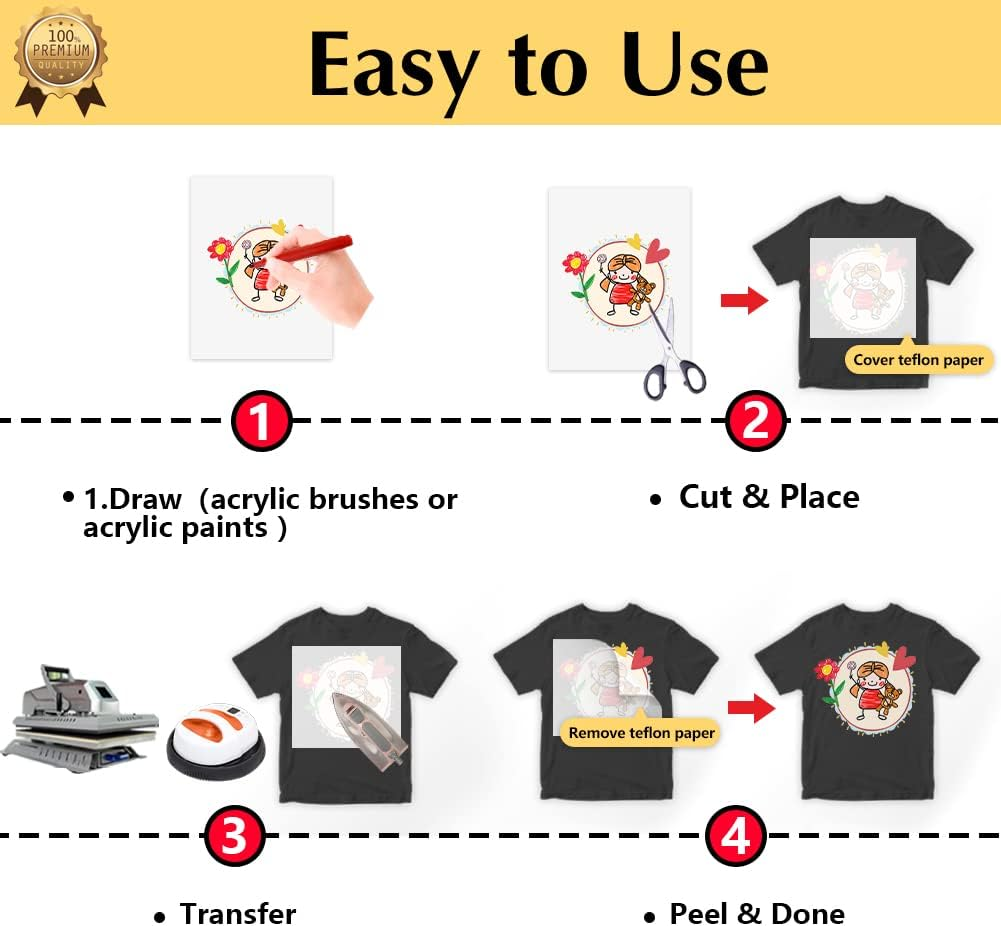
- EASY TO USE: [1] Draw & Cut out the image. [2] Peel & Place the draw image facing UPWARD onto fabric and cover the image with Teflon Paper. [3] Transfer Image with Iron or Heat Press. [4] Remove the teflon paper. Transfer has been done! Step-by-step instructions are on the back of cover paper in the pack. Video tutorial is in Videos Section of this page for your reference.
- WHO ARE WE: We are a leading manufacturer with 20 years R&D, production and ODM experience (for many premium global brands) in heat transfer paper, waterslide decal paper and more. TransOurDream is one of our brands which is committed to offer high quality products for both home and professional users. Meanwhile we can help you build your own brand and print your logo on the backing of transfer paper. Any questions please don't hesitate to contact us.
Product Description
Ironing Tool Option
IRON - TRANSFER STEPS
- Set iron to High Temperature (like Cotton/Jeans) Setting and TURN OFF steam.
- Apply FIRM, EVEN and HEAVY pressure and iron each area of the image for 5 seconds. Circularly press and iron the image for 5 minutes in total.
- Ensure that all areas of the image is ironed, especially the corners and edges.
NOTES:
- Apply ENOUGH pressure on the transfer as more pressure will help transfer all of the print onto the fabric.
- INSUFFICIENT PRESSURE and IRONING TIME would achieve poor transfer result - the transferred image may peel off.
EASY PRESS - TRANSFER STEPS
Temperature and Time may vary based on easy heat press type and image size. Suggest you do a test before transfer onto t-shirts.
For A4 size image, set temperature to 170℃(338℉) and time to 120 seconds.
- At first, heat press the whole image slowly from one side to the other side.
- Apply HEAVY pressure on each area of the image for 10 seconds, circularly iron the whole image 4 times (80 seconds in total).
- At last, heat press each corner of the image for 10~20 seconds. NOTES: If the corner peels off, cover the Teflon paper(in the pack) and heat press it for another 10~20 seconds.
HEAT PRESS - TRANSFER STEPS
- Set Temperature to 170℃(338°F).
- Set Time to 10 seconds.
- Apply MEDIUM pressure.
Step 1:Drawing
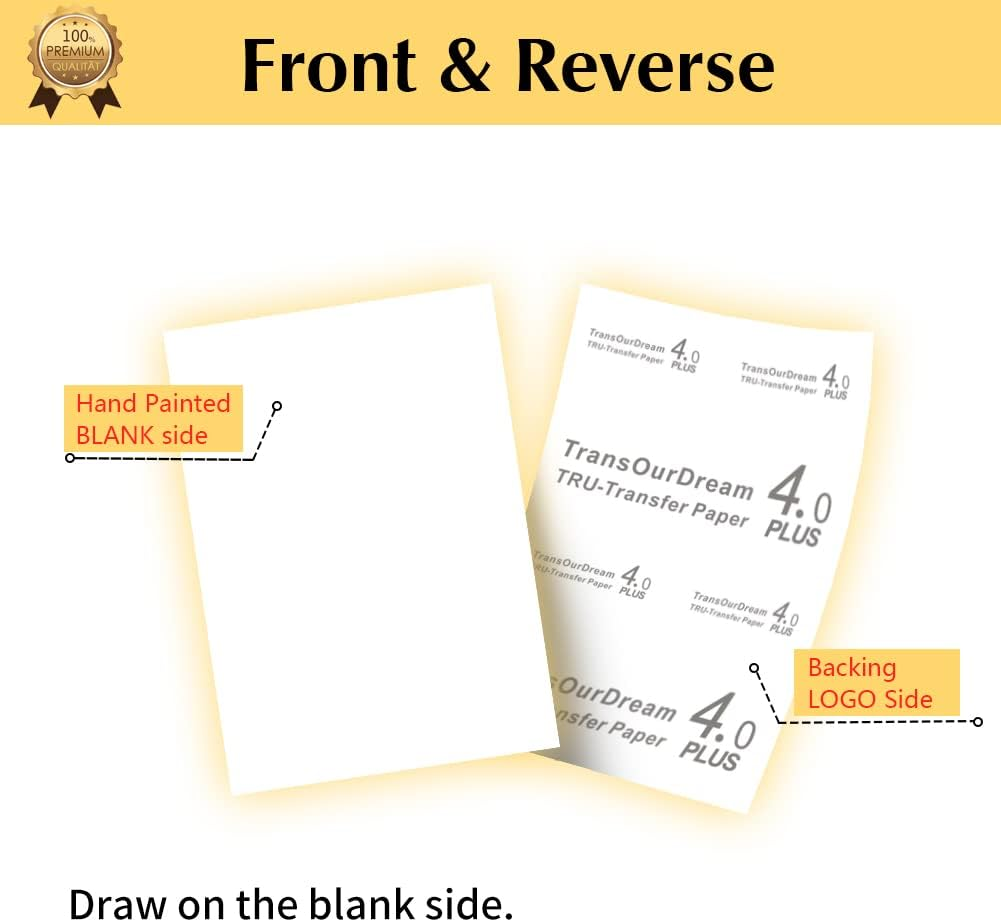
Drawing painting your design on the BLANK Side of transfer paper.
Step 2: CUT & PEEL
- Cut out your design: Use scissors or cutting machine, such as Cricut, Silhouette and more.
- Peel your design from the backing LOGO paper.
NOTES: Transfer Paper is composed of two layers - the BLANK film and the backing LOGO paper.
Step 3: PLACE
- Remove Creases: Place your t-shirt on a SOLID surface (Don’t use ironing board as it’s too soft) and use your ironing tool to smooth out creases on t-shirt.
- Place your design facing UPWARD onto appropriate position of T-shirt.
- Cover it with Teflon Paper (included in the pack).
NOTES: Place the Teflon paper towards your design to protect it during ironing.
Step 4: TRANSFER
Please refer to the specific operations for your ironing tool accordingly in the above figure.
- IRON - Please see IRON - TRANSFER STEPS.
- EASY PRESS - Please see EASY PRESS - TRANSFER STEPS.
- HEAT PRESS MACHINE - Please see HEAT PRESS - TRANSFER STEPS.
Step 5: REMOVE TEFLON PAPER
After ironing done, peel off Teflon paper.
Step 6: DONE
Congratulations! Your DIY image transfer has been done. Enjoy!
- Brand: TransOurDream
- Material: Paper
- Model Number: TransJNKY-D4-20
- Package Dimensions: 29.8 x 21.4 x 1.2 cm; 150 Grams
- Item Weight: 150 g
- Colour: Dark
A$20.80
-
A$23.40
Shipping to Australia
Delivery time varies by location
Return & Refund Policy
Check our return & refund policy
Security & Privacy
Safe payments: We do not share your personal
details
Availability:
-
Select Styles for Availability
Sign
in
or create an eMega account
Shop smarter — get exclusive deals & order
tracking