Free Shipping – Store Wide
Meichoon Metal Timer Lock Stainless Steel Multi-Function Intelligent Padlock Backlit Display 999 Hours Max Timing for Preventing Addiction and Bad Habits Silver - Silver
Meichoon Metal Timer Lock Stainless Steel Multi-Function Intelligent Padlock Backlit Display 999 Hours Max Timing for Preventing Addiction and Bad Habits Silver - Silver
A$36.40
Colour Name
Availability:
-
This item is currently not available
Product details
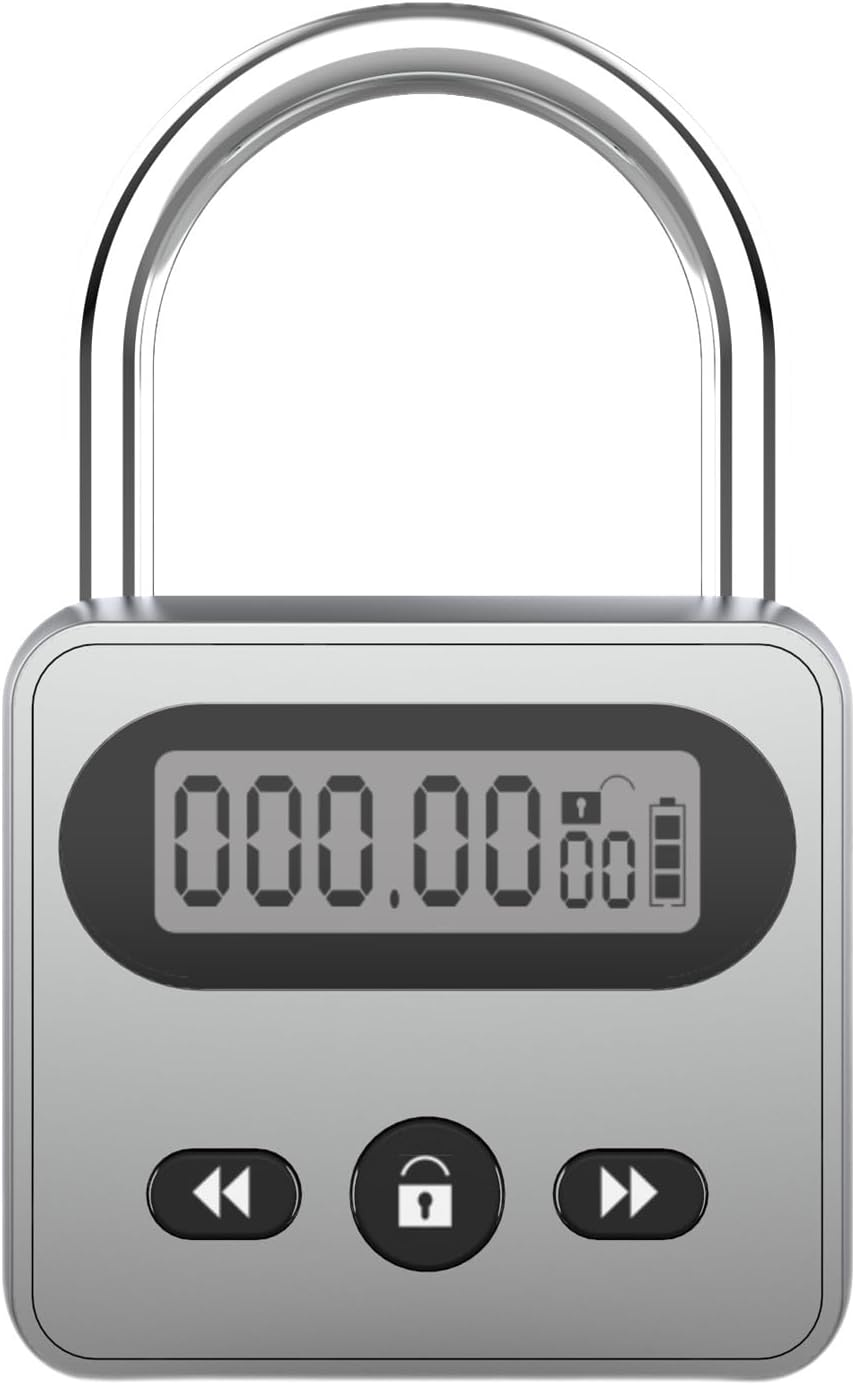
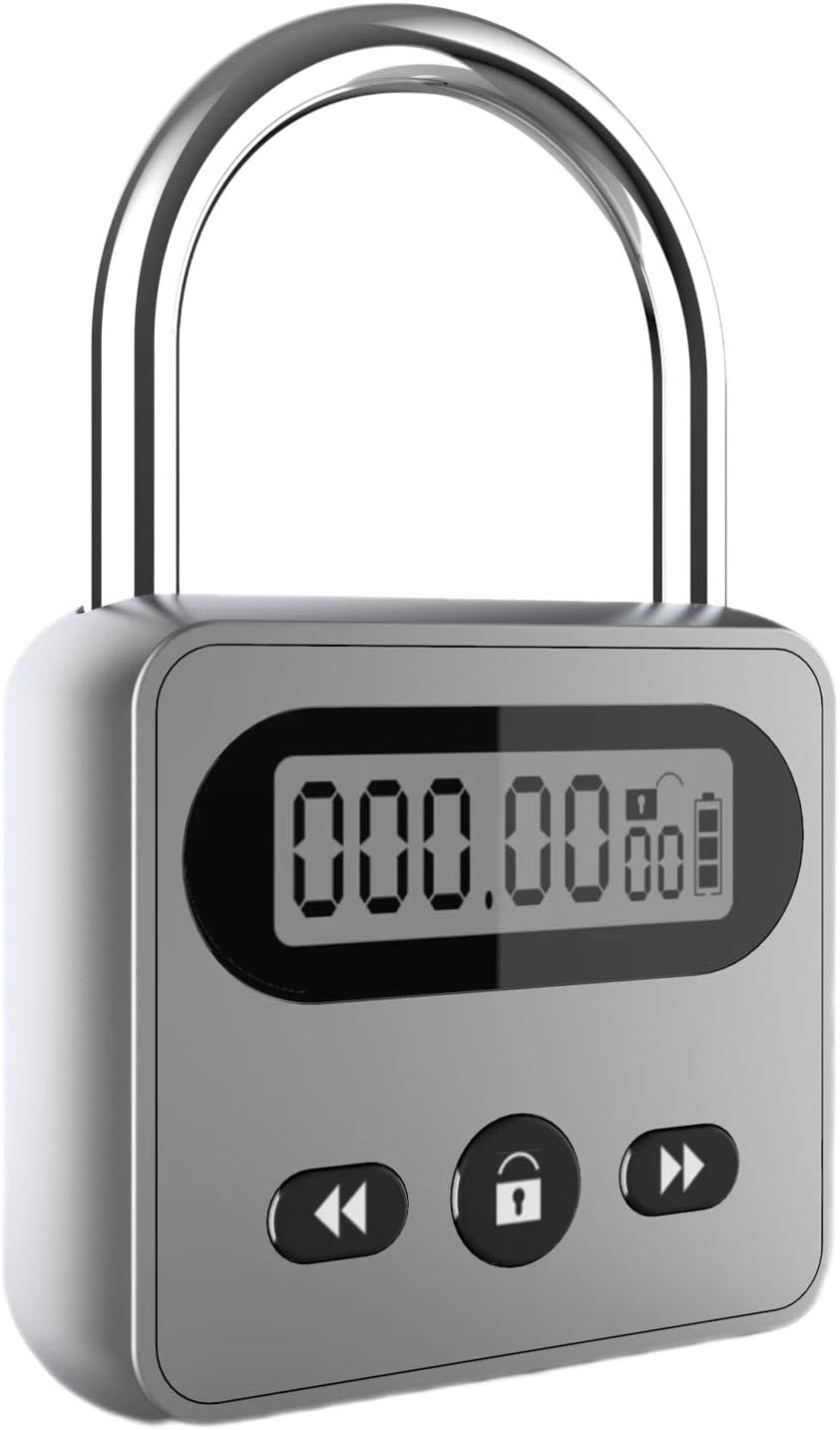
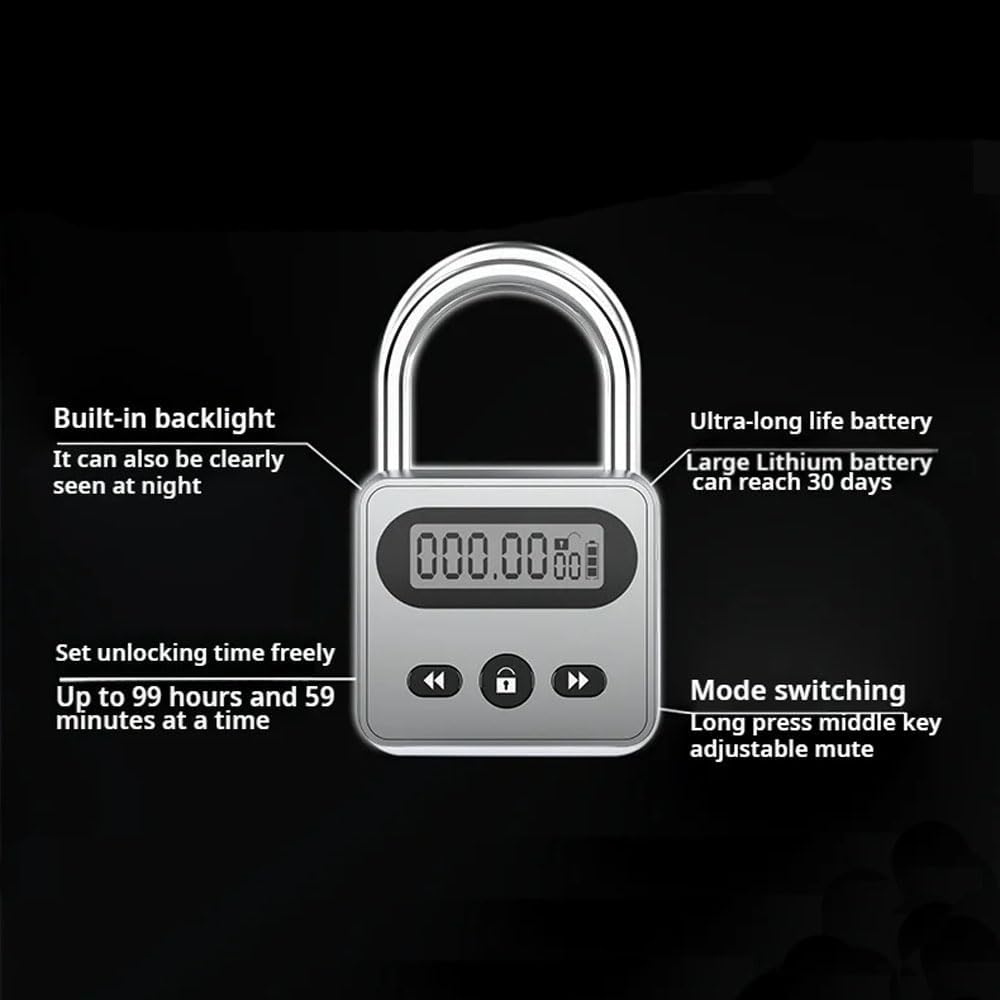
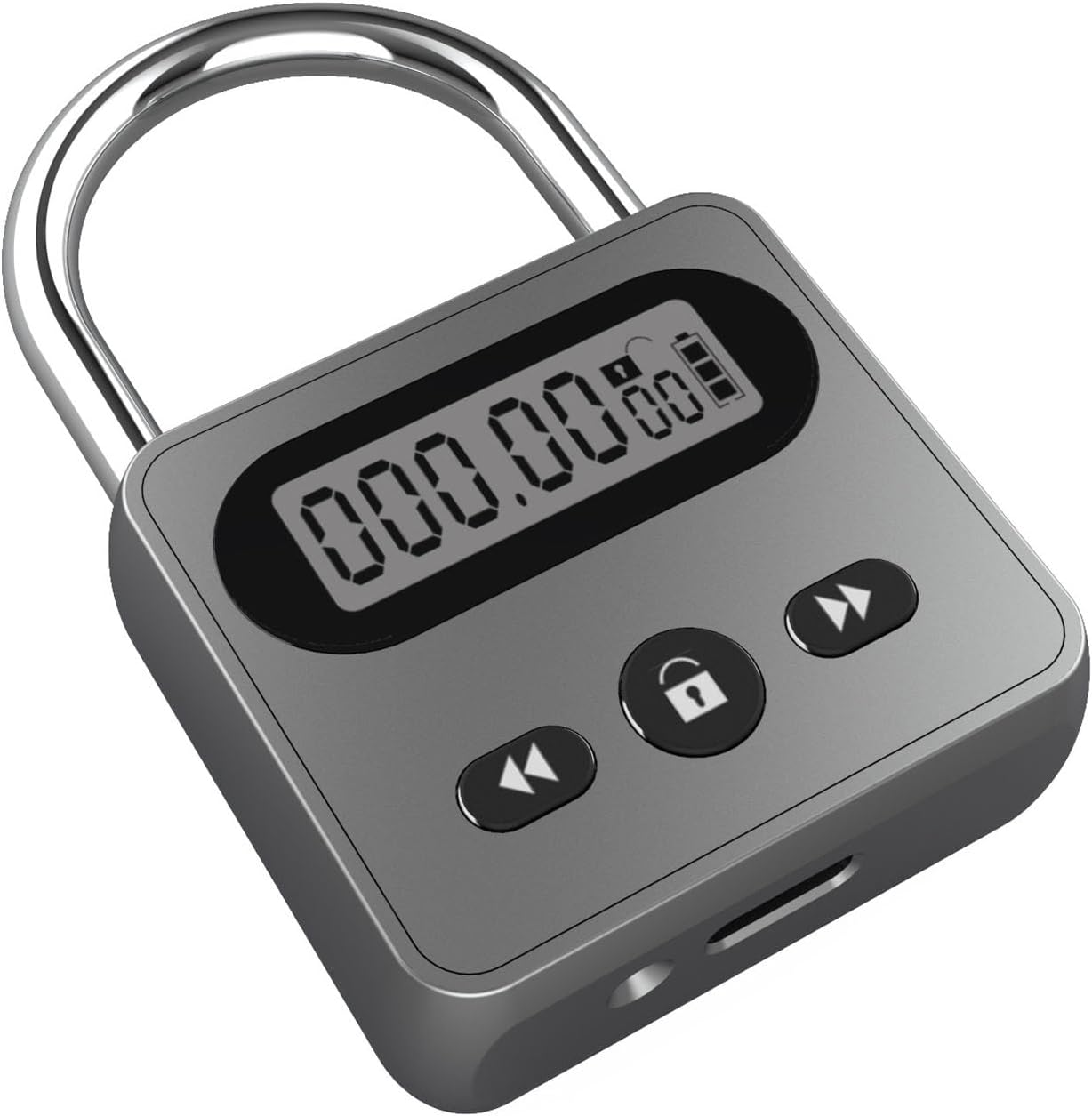
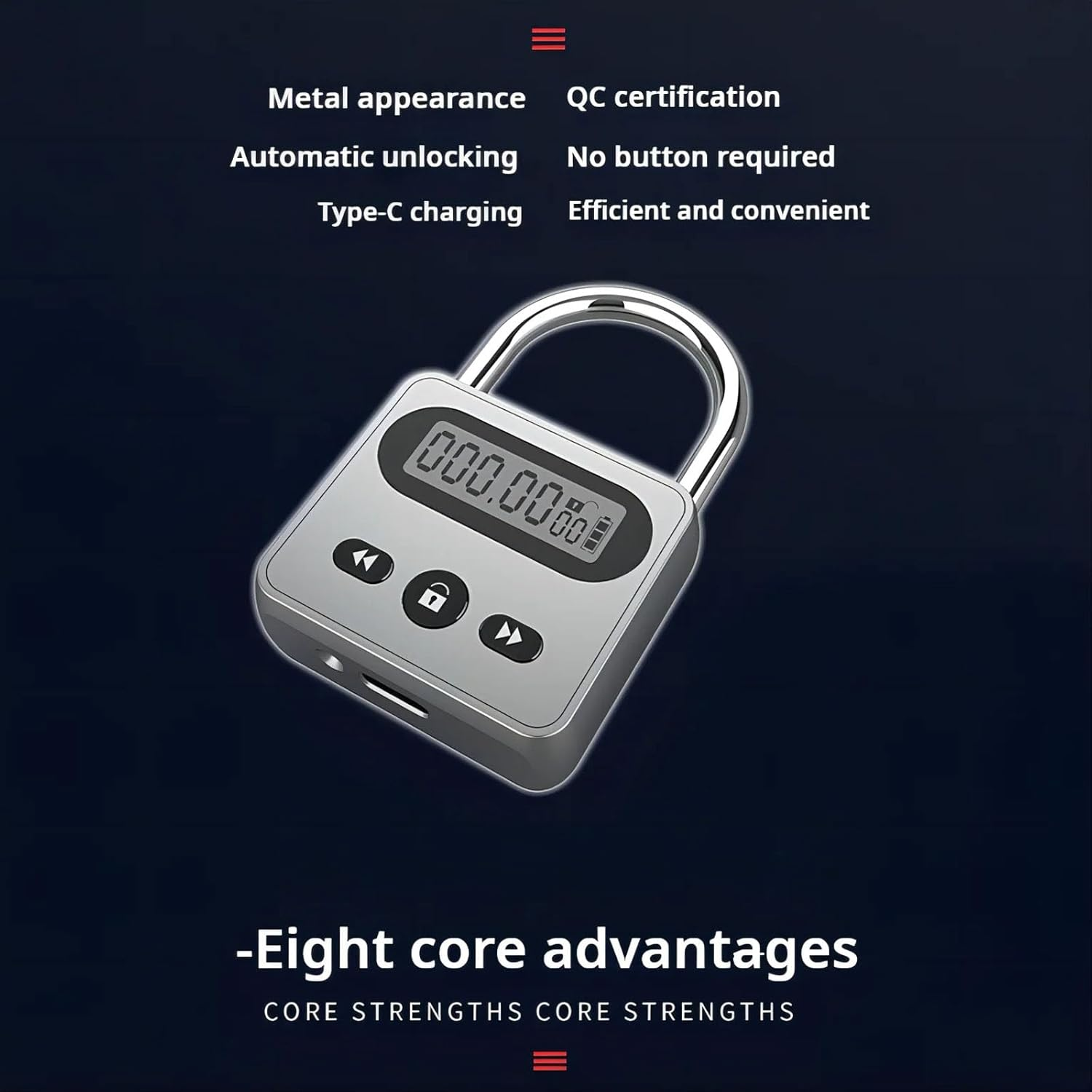
- LCD Screen Display: The electronic padlock features an LCD screen that shows the unlocking time and automatically unlocks after the set time is completed, cannot unlock before time is up. Promoting discipline and preventing addictive behaviors.
- ⏳ Customizable Timer: With the ability to set the unlocking time for up to 999 hours and 59 minutes, this timer lock box allows for personalized usage to suit individual needs and schedules.
- ✨Backlit Display: Equipped with an internal backlight panel, the display offers soft and clear visibility, ensuring ease of use even in low-light conditions without straining the eyes.
- ⛓Versatile Functionality: Ideal for curbing bad habits such as excessive phone use, smoking, or drinking, this timer lock serves as a practical tool for self-improvement and behavior control.
- Long Battery Life: Featuring a built-in high-capacity lithium battery and battery level indicators, this timer lock provides reliable performance and convenience for long-term use.
Specification:
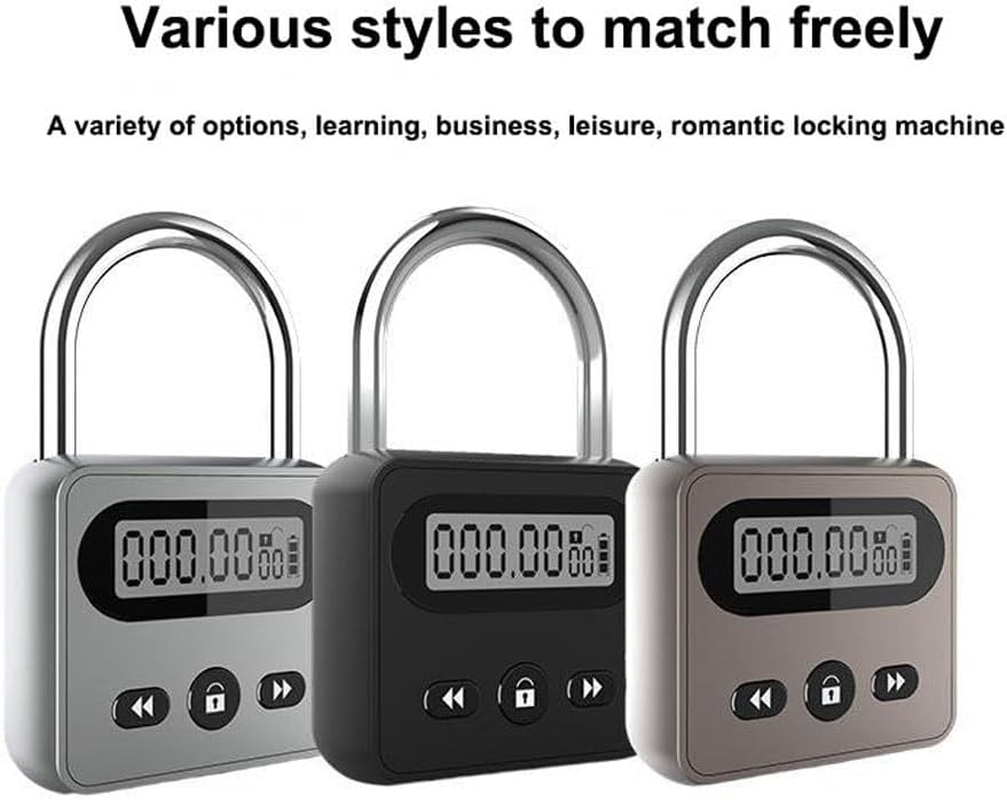
Color: Silver, Bronze
Material: Stainless steel
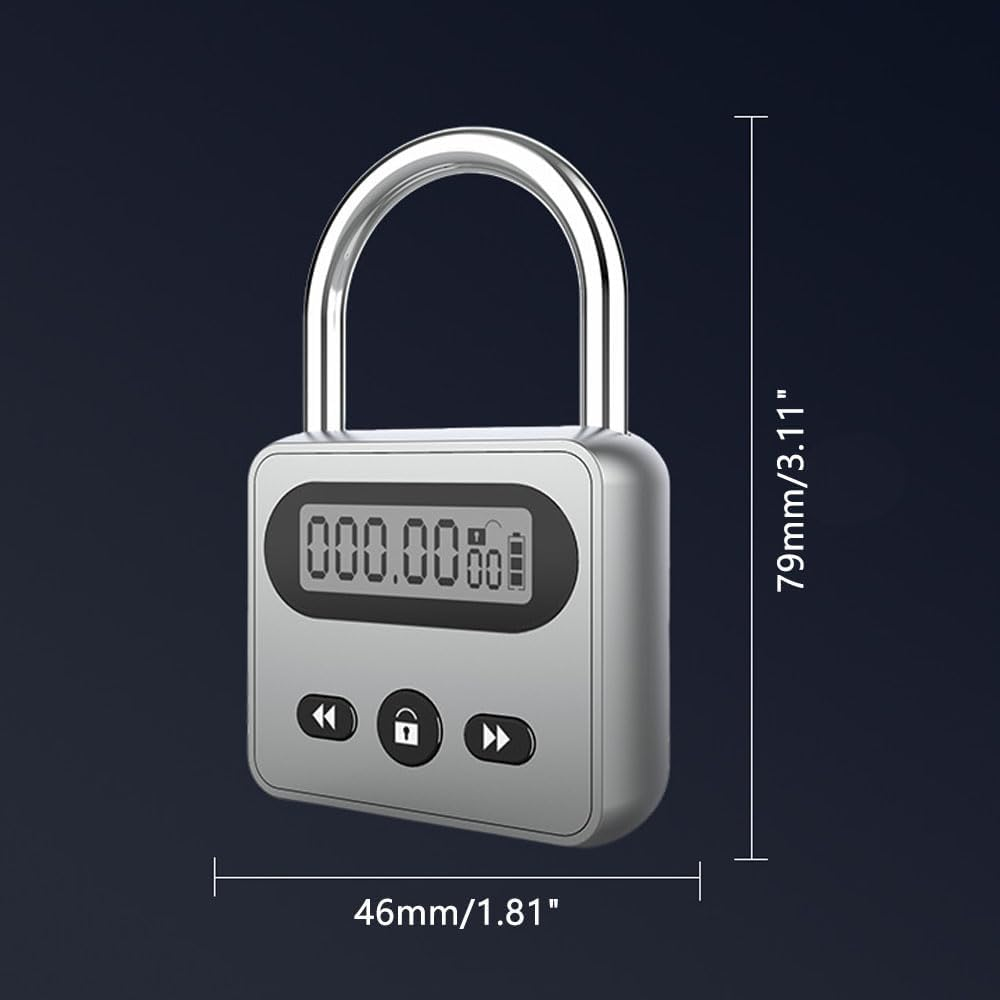
Product size: 79*46*18mm/3.11*1.81*0.71in
Product size: 110g/0.24lb
Battery capacity: 3.7V/200mAh
Standby time: more than 500 hours
Directions of use:
1. Unlocking and locking
Locking: Align the lock ring with the hole at one end, and then press down to lock it.
Unlock: Press the middle "lock" button and it will automatically pop open. The display "unlocks".
2. Set the unlocking time
Short press the middle lock button to unlock, and you can unlock freely without setting the time. Press and hold the middle lock button to enter the timing setting, the digital cursor of the corresponding time flashes, and press the lock button again to move the cursor in turn to enter the cycle selection. Use the left and right timing subtraction keys to set it. After selecting the set time, press and hold again to enter the countdown.
3. Start the timer
After 5 seconds, the countdown starts, and the electronic lock starts with a long ring. The lock icon on the screen is "lock", and pressing any key at this time cannot unlock the lock.
4. Timer complete
When the timing is complete, the lock ring will automatically pop up and the unlock icon will be displayed on the screen. Press any button to display the time just measured, and then press the timer button to repeat the timer.
- Item Model Number: Q-WB41 Silver
- Part Number: Q-WB41 Silver
- Style: Silver
- Finish: Polished
- Colour: Silver
- Colour Name: Silver
- Item Package Quantity: 1
- Product dimensions: 7.9 x 1.8 x 4.6 cm; 110 Grams
- Material: Stainless Steel
- Country of origin: China
- Battery Cell Type: Lithium Polymer
- Item Weight: 110 g
- Manufacturer: Meichoon
- Shape: Rectangular
- Batteries Included?: Yes
- Batteries Required?: Yes
- Batteries: 1 Lithium Polymer batteries required. (included)
- Special Features: Rechargeable
- Number Of Pieces: 1
- Wattage: 200 milliamp_hours
- Included Components: Timer lock, charging cable
A$36.40
Shipping to Australia
Delivery time varies by location
Return & Refund Policy
Check our return & refund policy
Security & Privacy
Safe payments: We do not share your personal
details
Availability:
-
This item is currently not available
Sign
in
or create an eMega account
Shop smarter — get exclusive deals & order
tracking