Free Shipping – Store Wide
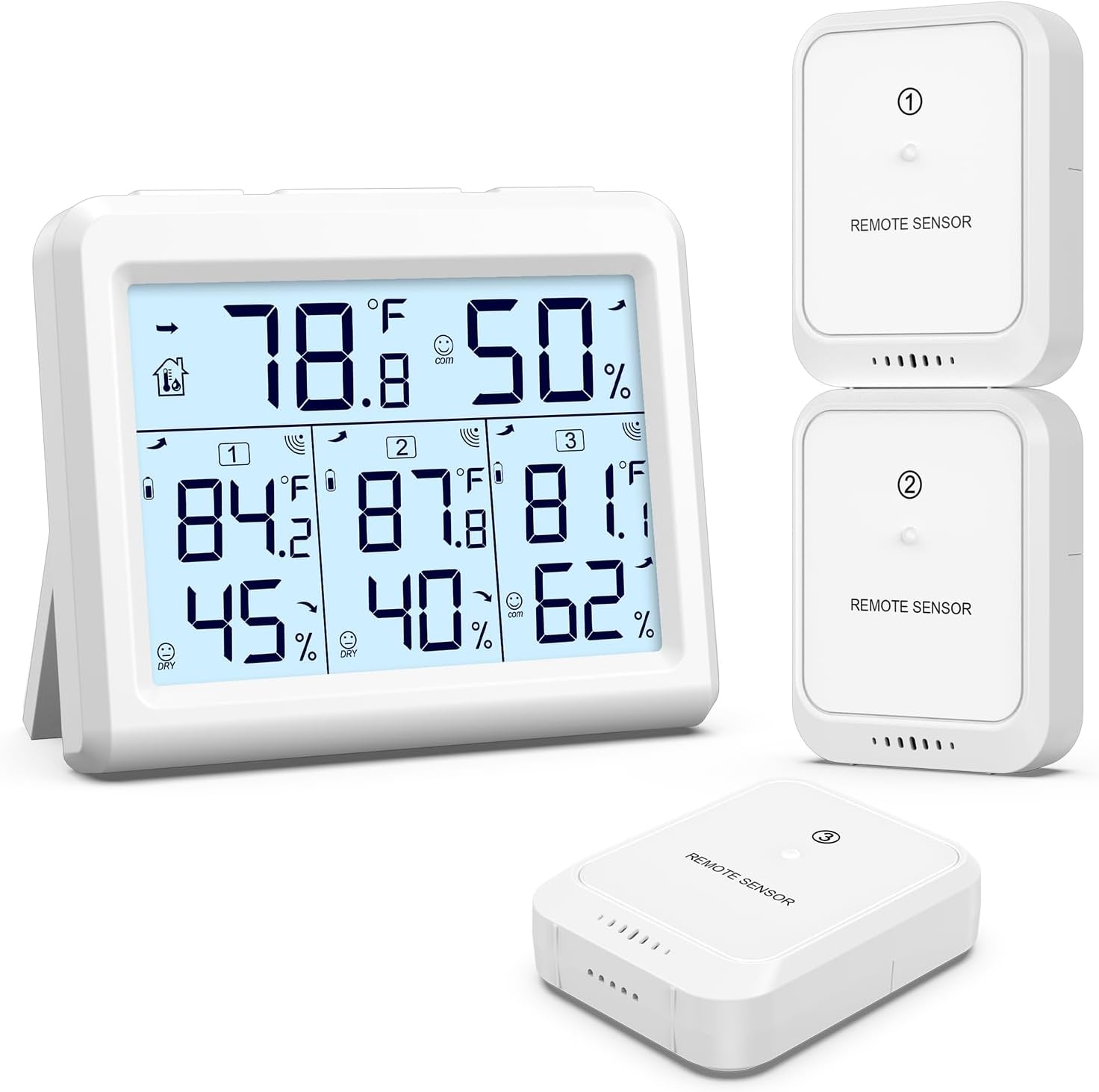
AMIR Indoor Outdoor Thermometer, 3 Channels Digital Hygrometer Thermometer with 3 Sensor, Temperature Humidity Monitor with LCD Display, Wireless Humidity Gauge for Home, Baby Room
AMIR Indoor Outdoor Thermometer, 3 Channels Digital Hygrometer Thermometer with 3 Sensor, Temperature Humidity Monitor with LCD Display, Wireless Humidity Gauge for Home, Baby Room
A$58.50
Availability:
-
In Stock
Product details
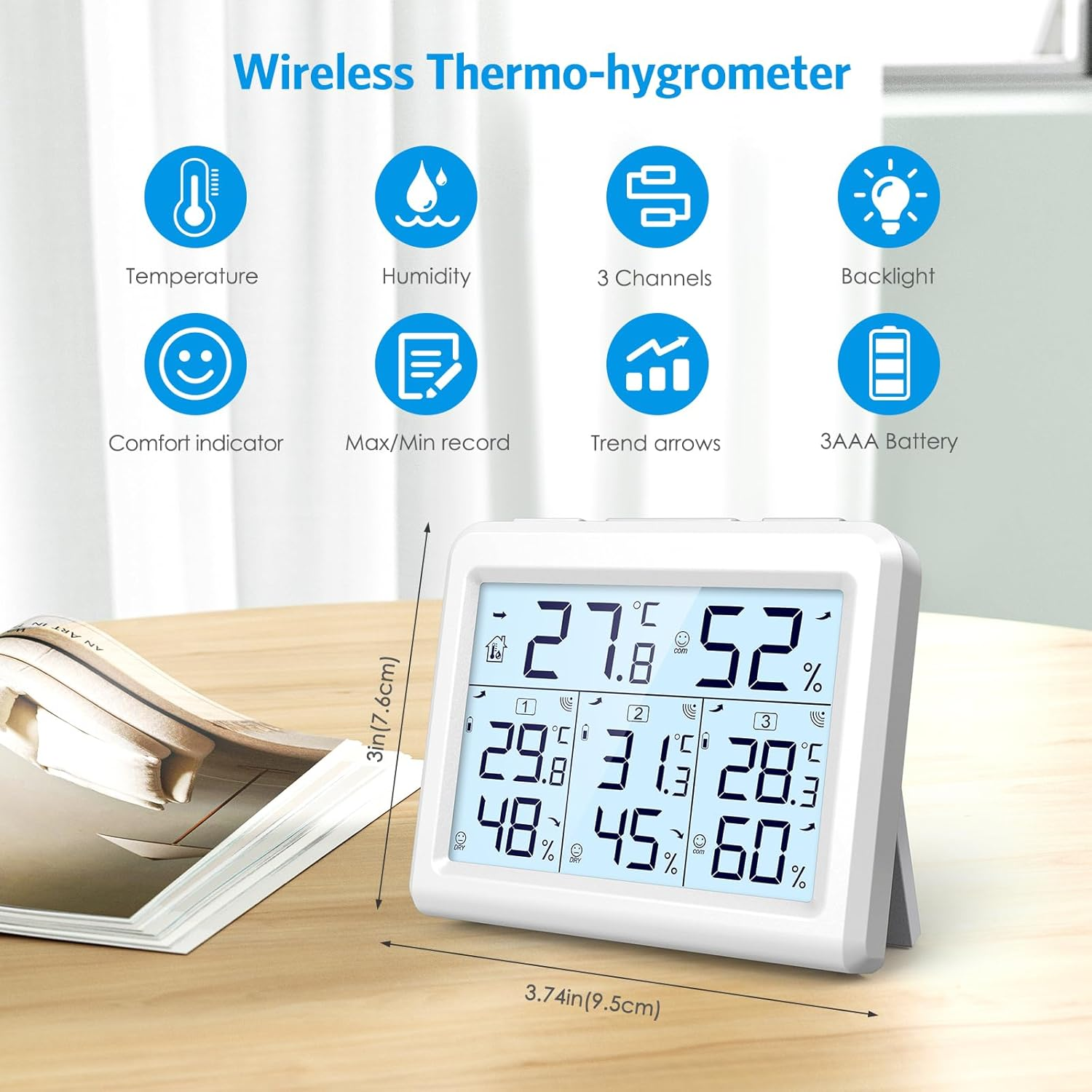
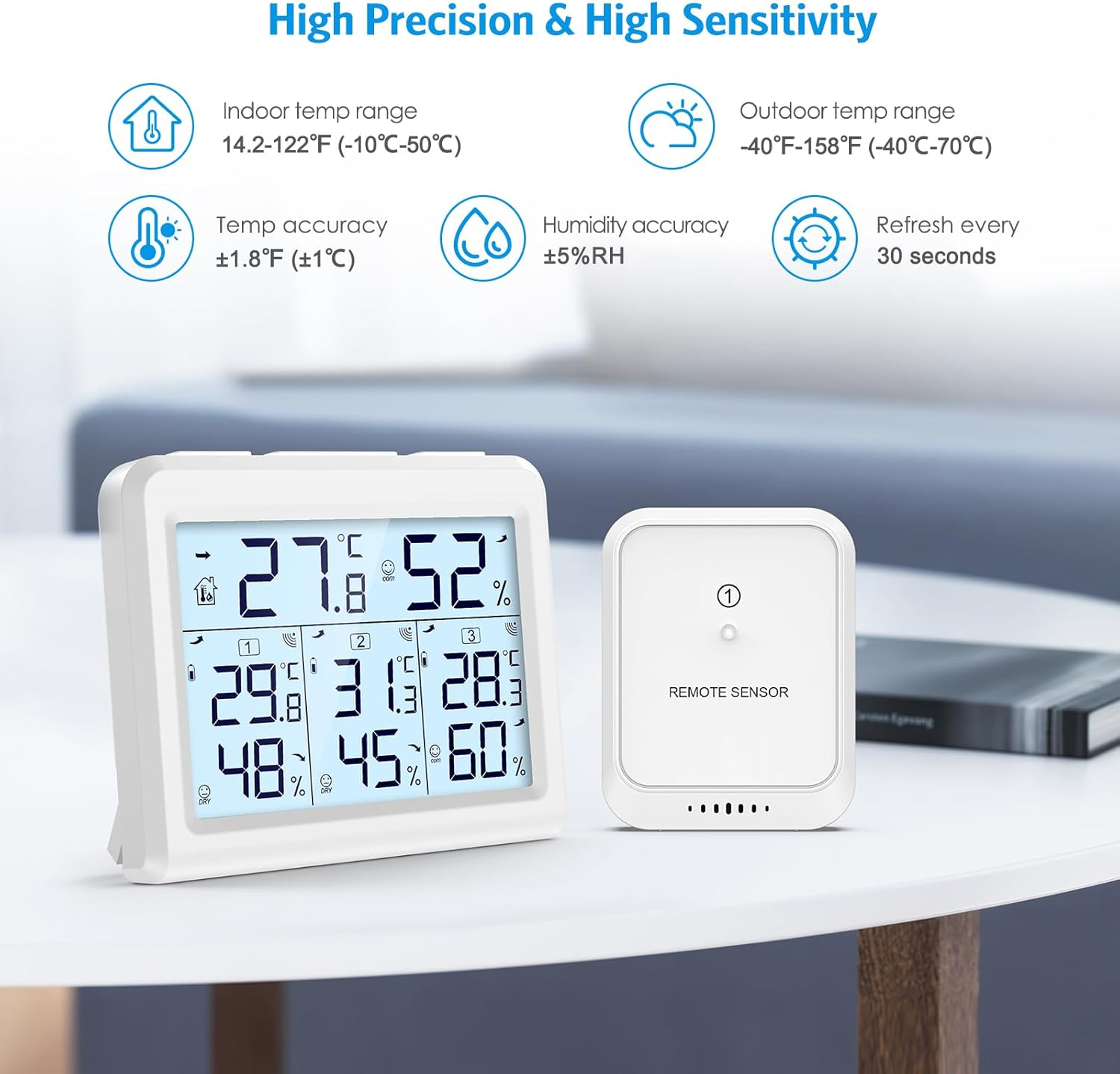
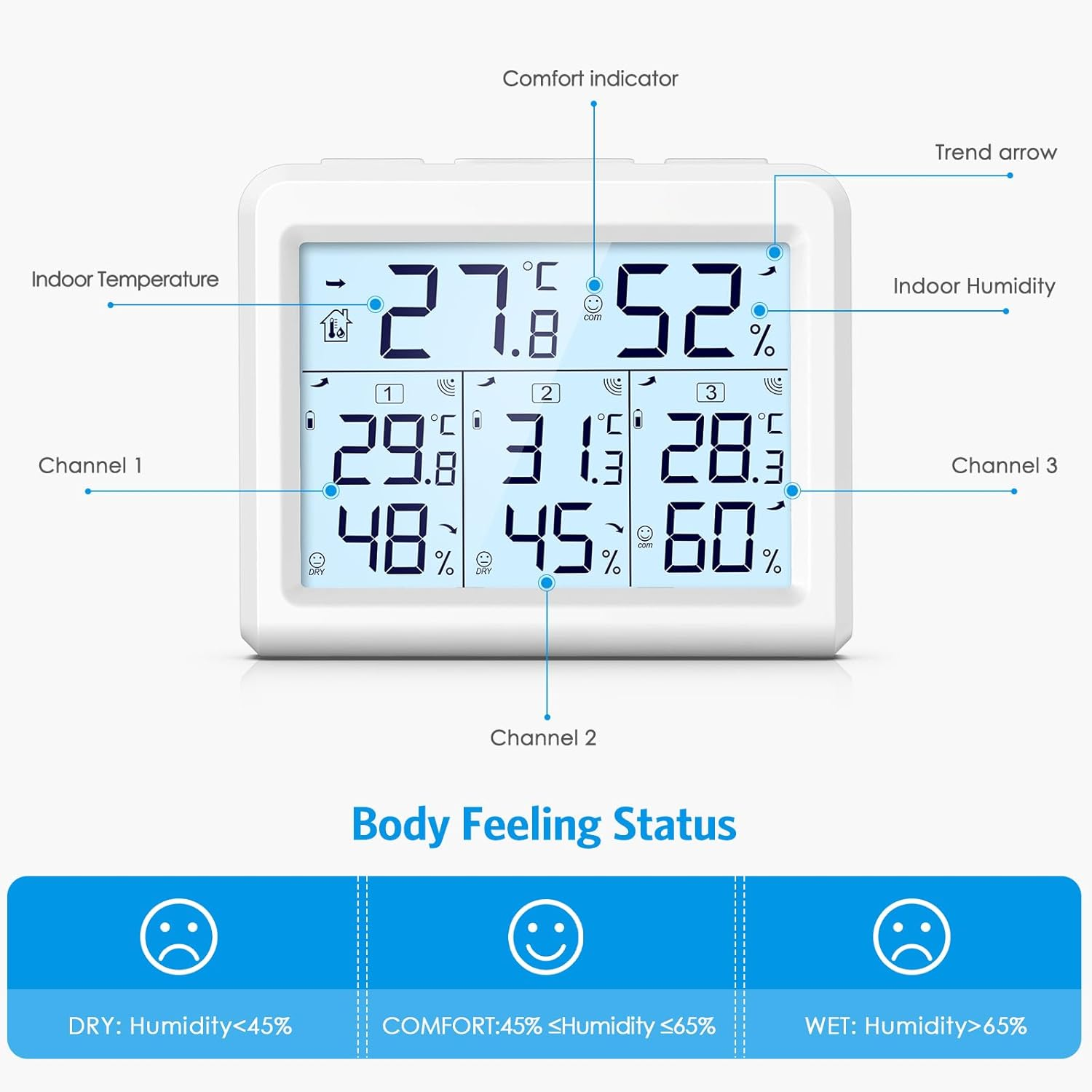
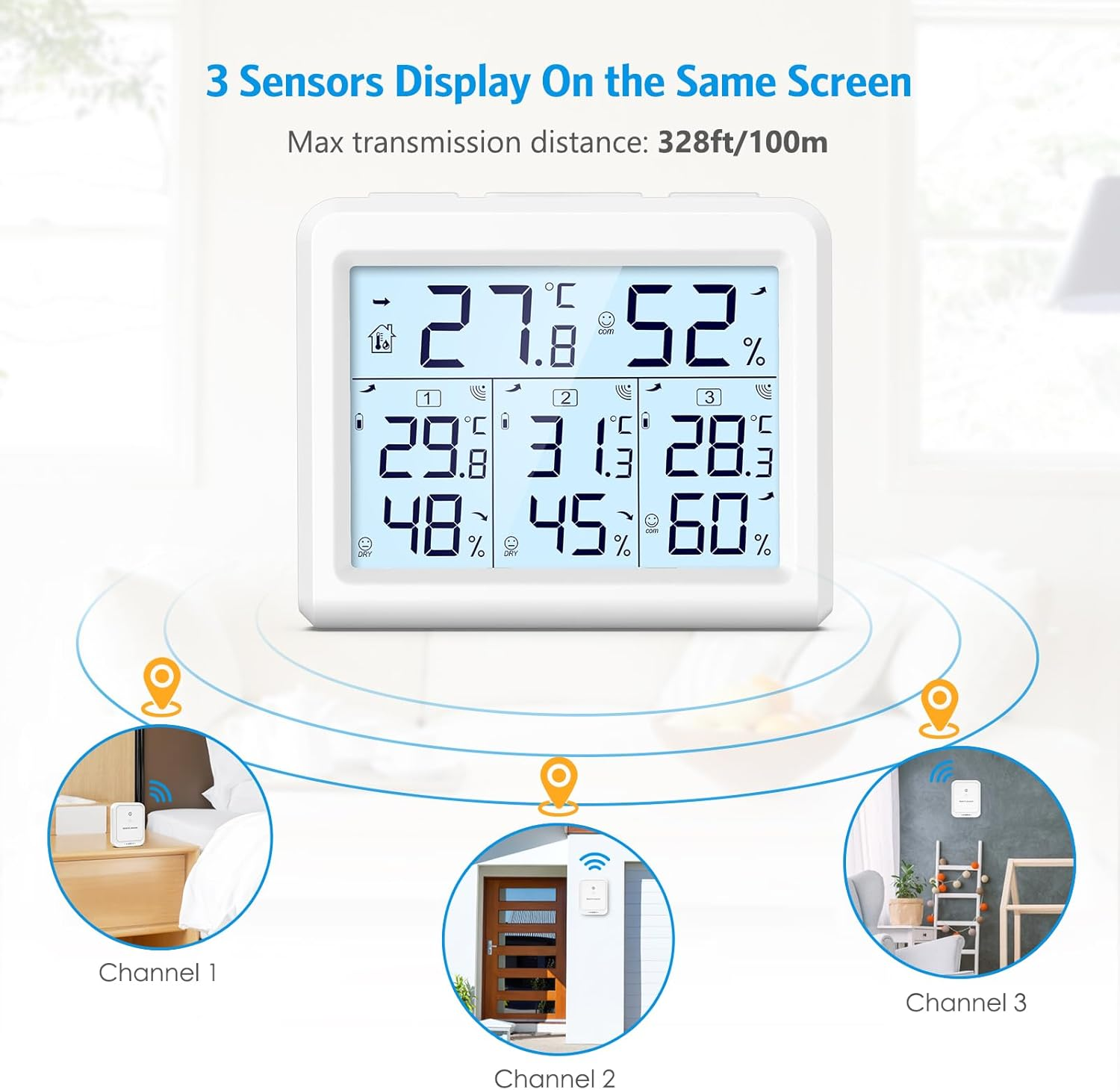
- Wide Range & High Accuracy - Upgraded 3-channel temperature and humidity meter with 3 transmitters for various environments. Remperature & Humidity rang: Indoor temperature (0 - 60℃); Outdoor temperature (-40 - 60℃); Humidity (10% - 99%). The temperature and humidity accuracy: ± 1℃ / ± 5%; Wet: humidity﹥65%; COM: 45%≤humidity≤65%; DRY: humidity﹤45%. The Station and transmitter signal distance: 100 M/328 ft
- Max & Min Record - This wireless hygrometer with remote sensor can record the temperature and humidity timely,display temperature and humidity changes of the main unit and 3 transmitters. The data update every 60 seconds. Press the ℃/°F button to switch between celsius and fahrenheit. Perfect on your house, office, factory, etc. Time & Alarm Clock, Calendar, Snooze / Light
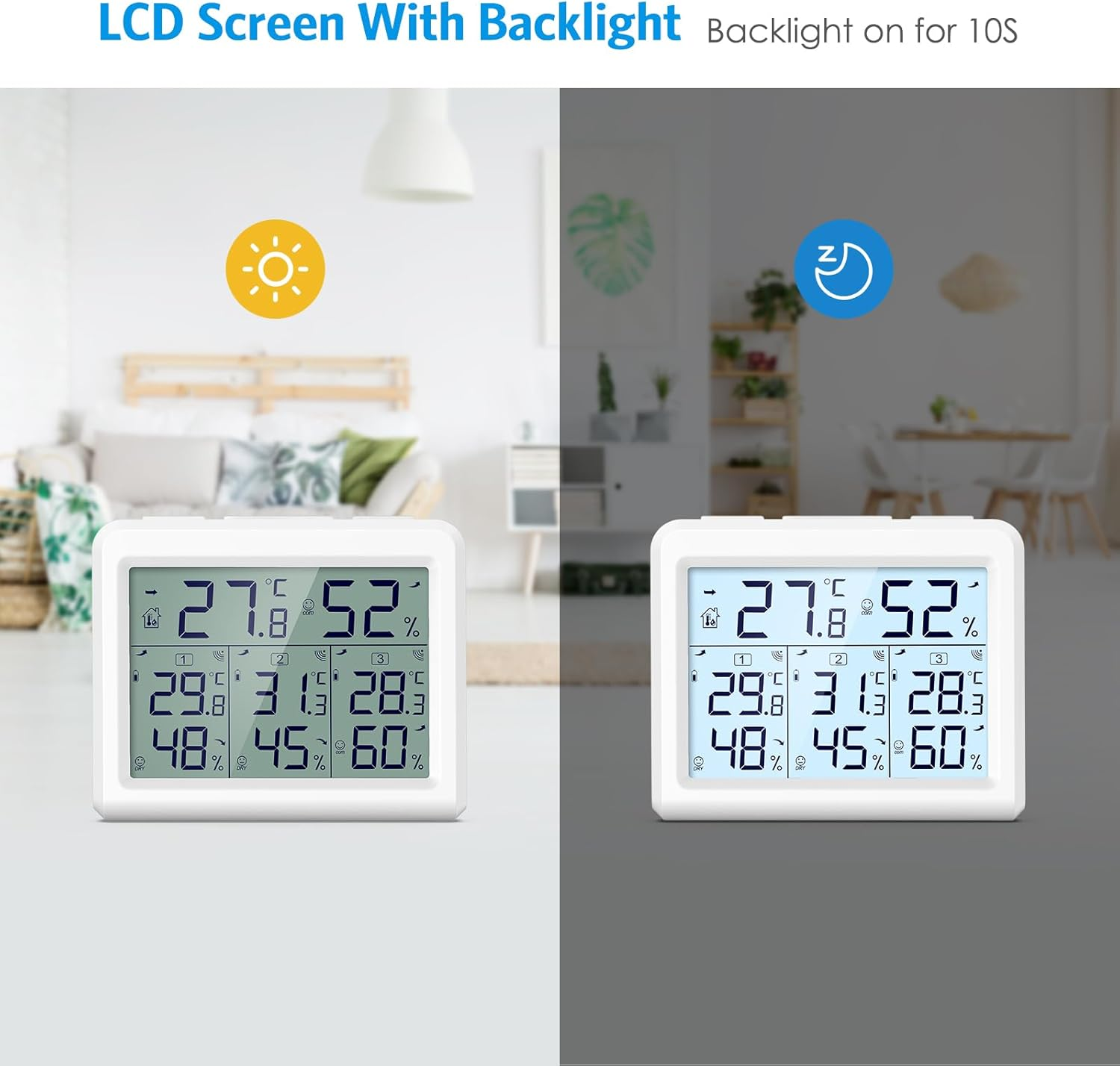
- LCD Backlight & Easy to Read - Equipped with a convenient LCD backlight, this device brightens the display at the touch of a button, making it easy to read even in low-light conditions. The backlight automatically turns off after 10 seconds of idle time to conserve battery power, optimizing battery life for prolonged use
- Battery Powered & Low Battery Indicator - Powered by three AAA batteries (not included) for the main unit and two AAA batteries (not included) for each sensor, this thermohygrometer offers wireless convenience without the hassle of cords. A low battery indicator on the sensor alerts you when it's time to replace the batteries, ensuring uninterrupted monitoring. After battery replacement, simply long-press the CH button to receive data again
- Comfortable Living, At a Glance - This digital indoor thermometer has a built-in comfort indicator that allows you to find the most pleasant living environment based on real-time humidity changes. Extra-large font and intuitive humidity display ensure that the information is clear and easy to read, allowing you to instantly perceive the subtle differences in your home environment
Product Description
Wireless Indoor Outdoor Thermometer & Hygrometer
Temperature measurement range: 14.2℉ ~ 122℉ (-9.9℃ ~ 50℃); Temperature Measurement Accuracy: ±1.8℉ (±1℃)
Humidity Measurement Range: 20% to 95; Humidity Measurement Accuracy: ±5% (20% to 80%)
Temperature and humidity detection interval: 30 seconds
-
Press MAX/MIN once for max temp and humidity, twice for min. Hold to clear daily max/min records.
Ensure main unit and transmitter share a channel.
Press and hold CH button on main unit to initiate signal search; blinking sensor icon indicates reception.
Stable icon signifies connection.
Unit receives signals for 3 minutes hourly.
-
Temperature Accuracy:±1.8℉
Humidity Accuracy:±5%
Suggestions for Use of the Main Unit:
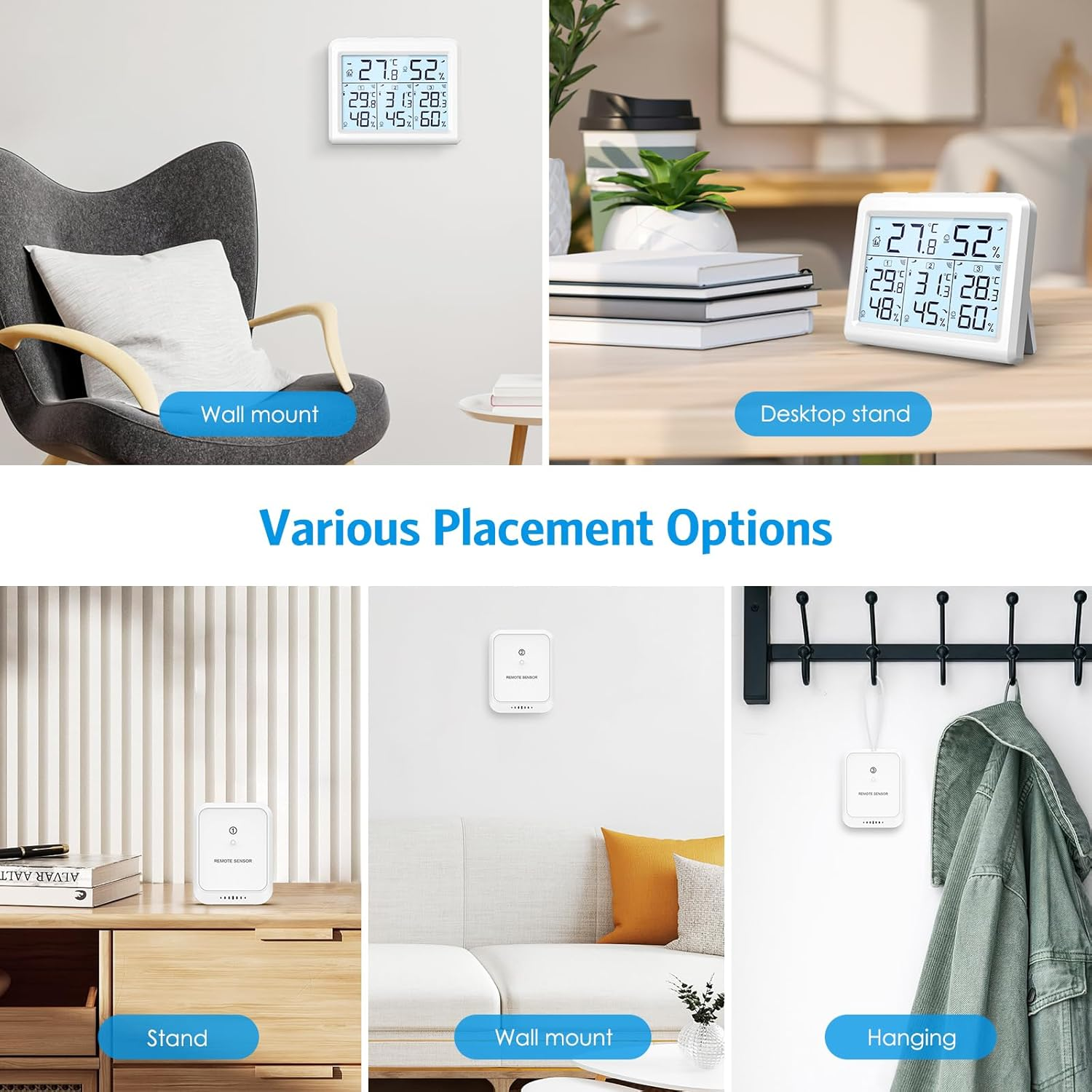
-Positioned at least 6 feet away from electronic devices.
-Make sure to be within 330 feet of an outdoor sensor.
-Avoid obstacles such as walls, windows, large metal objects to minimize signal attenuation.
How to Use:
1. Insert 2 AAA batteries into the wireless sensor. Note the correct polarity. The red LED indicator flashes when the sensor is transmitting.
2. Open the battery compartment of the weather station, insert 3 x AAA batteries in the correct polarity and close the battery compartment.
(Note: The screen will turn off after 10 seconds, you need to press the button to activate it.)
Reboot the Mainframe:
If the base station seems to be displaying incorrect values, you should reset the weather station to factory settings.
a.Remove the batteries from the outdoor sensor and weather station.
b.Place the batteries back in the outdoor sensor and weather station.
c.Place them within a few feet of each other and hold them for about 20 minutes to maintain a solid connection.
Battery Change Procedure:
1. Remove the outdoor sensor and weather station batteries.
2. Reinstall the batteries into the sensor and weather station.
3. Place both a few feet apart and allow to sit for approximately 20 minutes to ensure a stable connection.
How to Connect the Main Unit to the Transmitter (reconnect):
After installing the batteries in the weather station, it will start receiving paired RF signals on the same channel from the outdoor sensor for 3 minutes. You can press the CH button on the base unit to match the correct outdoor sensor.
Normally, the outdoor sensor will automatically connect to the host computer. If it does not connect, follow the steps below to set it up:
- Make sure the main unit and transmitter are on the same channel
- Press and hold the CH button on the main unit to search for signals from the outdoor sensor.
- The sensor reception icon flashes while searching for a signal.
- After connecting the sensor, the icon will become stable.
- The main unit will continue to receive signals for 3 minutes every hour until successful reception.
If the transmitter has a new battery, you need to manually press and hold the CH button to re-receive the transmitter data.
- Item Weight: 270 g
- Item Model Number: WA143KM-AU
- Product dimensions: 9.5 x 2 x 7.8 cm; 270 Grams
- Batteries: 5 AAA batteries required.
- Manufacturer: AMIR
A$58.50
Shipping to Australia
Delivery time varies by location
Return & Refund Policy
Check our return & refund policy
Security & Privacy
Safe payments: We do not share your personal
details
Availability:
-
In Stock
Sign
in
or create an eMega account
Shop smarter — get exclusive deals & order
tracking