Free Shipping – Store Wide
Portable Negative Film Scanner 35Mm 135Mm Slide Film Converter Photo Digital Image Viewer with 2.4
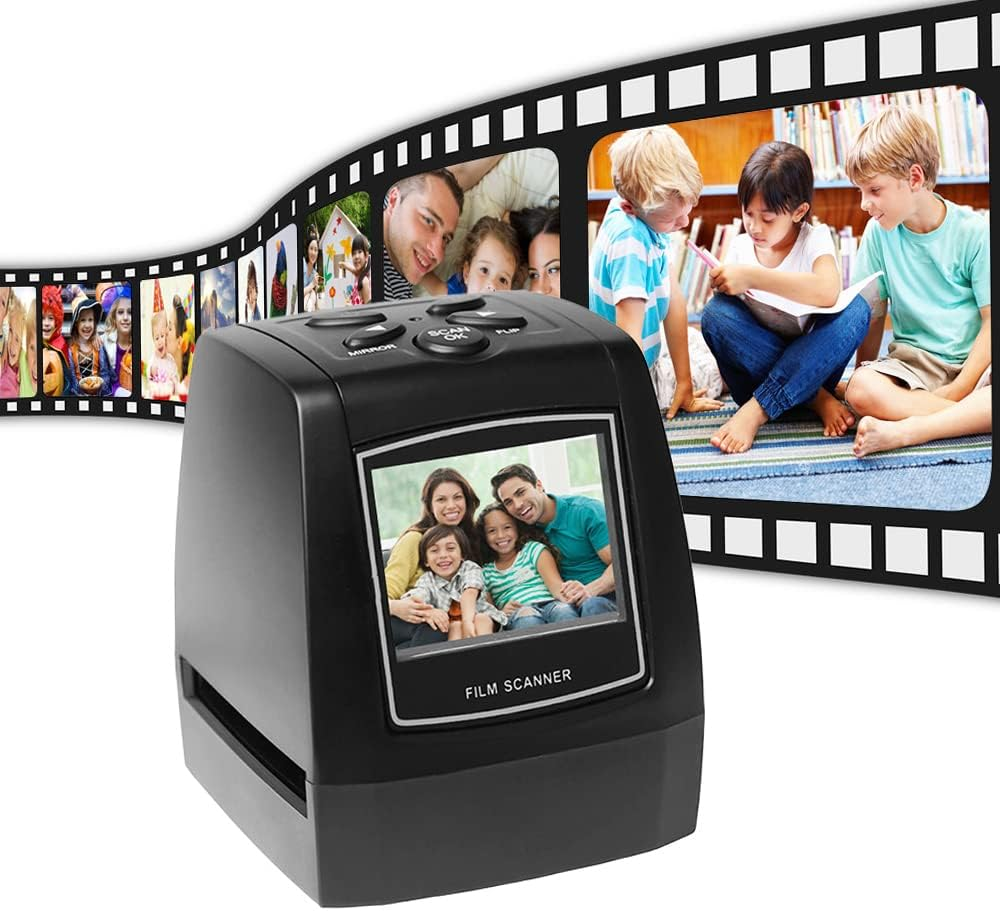
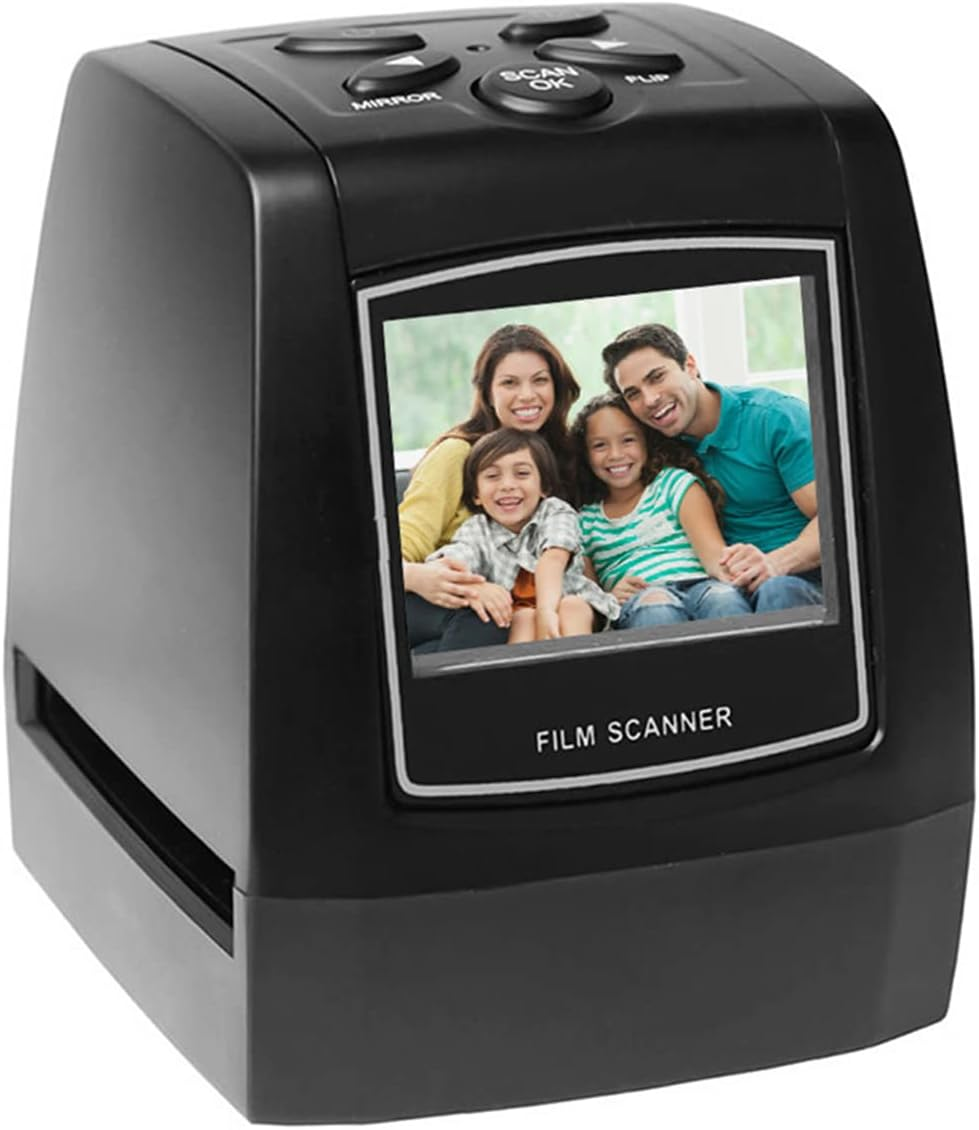
Portable Negative Film Scanner 35Mm 135Mm Slide Film Converter Photo Digital Image Viewer with 2.4
A$126.65
Availability:
-
In Stock
Product details
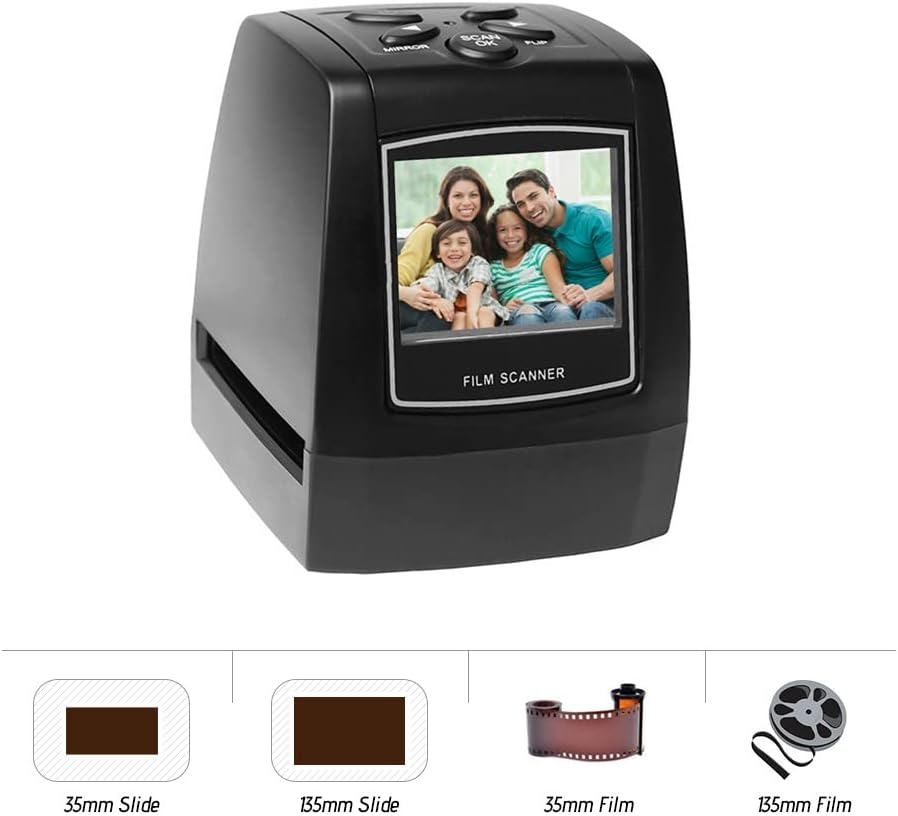
- ✏ Convert 35mm/ 135mm positive, negative and slide films( and monochrome) into digital JPEG format in seconds.
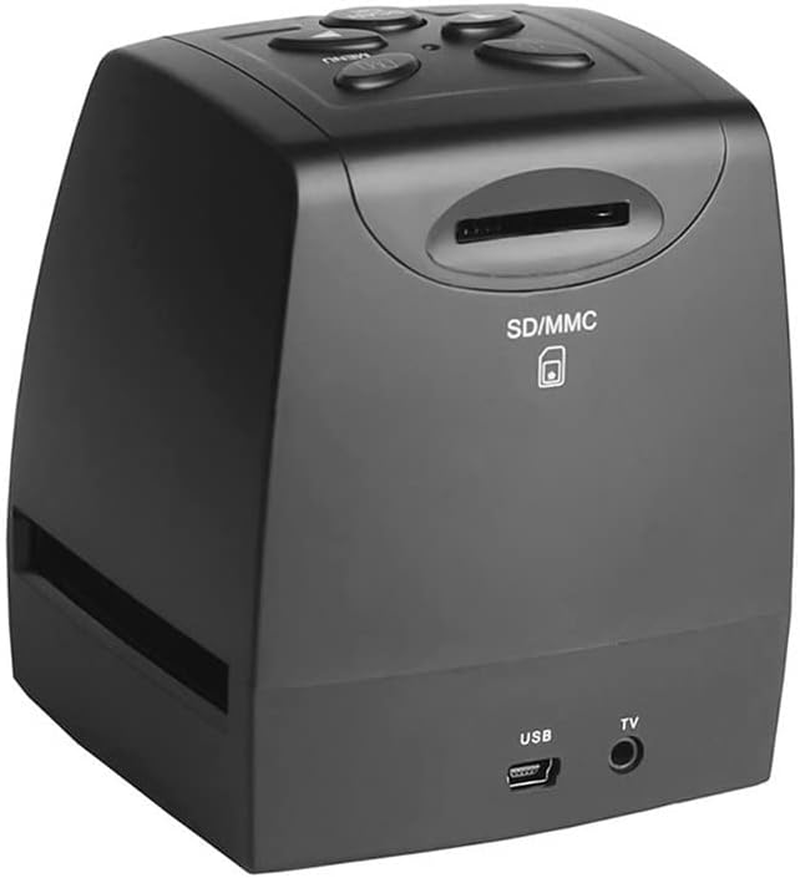
- ✏ 512MB of built-in memory can save up to about 500 images or you can directly place SD card (max.32GB, not included) into the slot expansion.
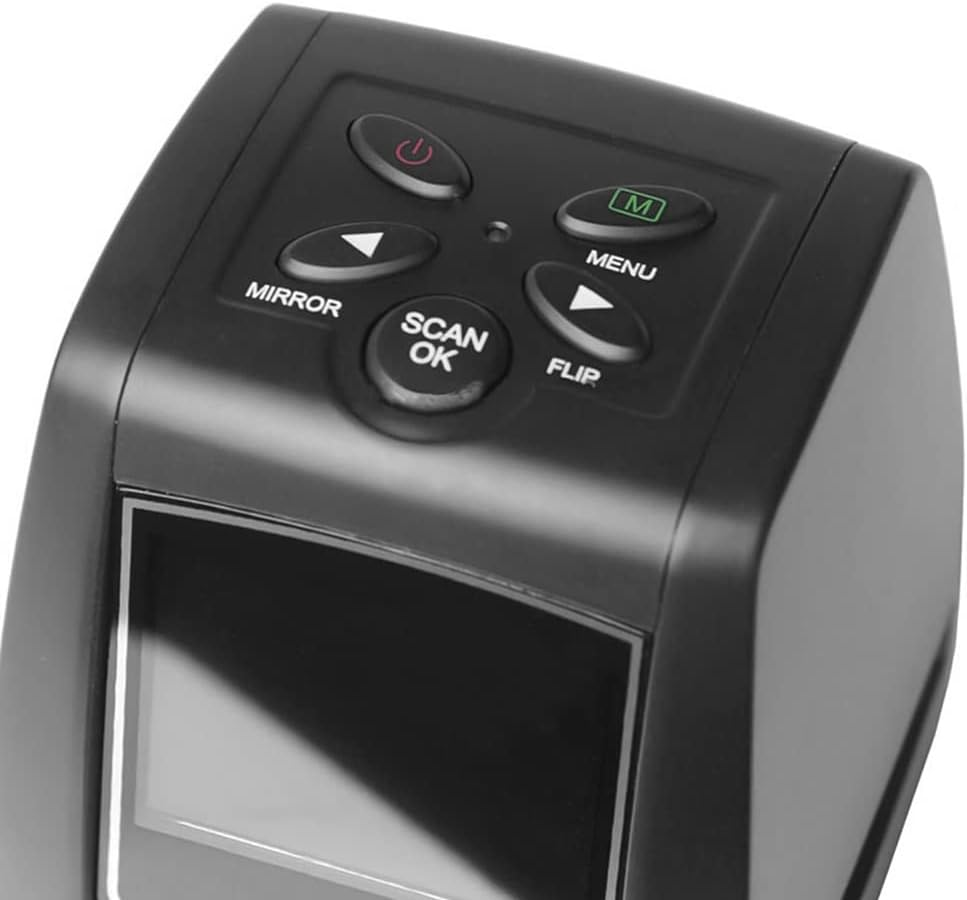
- ✏ With several buttons on the top, supporting preview, playback, adjust functions.
- ✏ Supporting multiple languages, English, French, German, Italian, Spanish and Japanese.
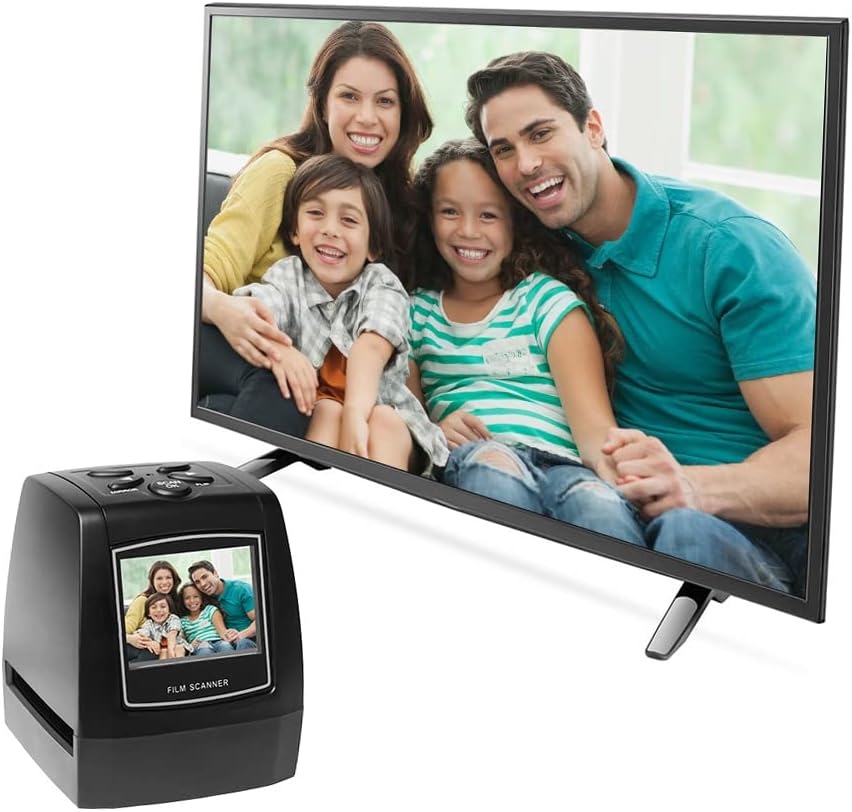
- ✏ Vibrant full-color 2.4" LCD screen for your scanned slides and films, convenient to watch, no computer or software needed.
Specifications:
Functions: Film Scanner / USB MSDC
Interface: MSDC: USB 2.0 (high speed)
CPU: Intel Pentium 42.8GHz Above
Image Sensor: 1/3.2" CMOS
Picture Format: JPEG
Resolution: 5Mega
Display: 2.4" TFT LCD Screen
Lens: Fixed Focus F/6.0, F=6.34mm
Focus Range: 5.6cm
Sensitivity: Auto
Exposure Control: Auto
White balance: Auto
Film Type: 35 / 135mm film, Monochrome, Slide
Light Source: Backlight Compensation
Memory: Support 512MB or Above
Hard Disk ty: At Least 200MB
Video Card: 64MB or High Top Video Card
Transmission Connection: Standard USB2.0 or Above
Language: English, French, German, Italian, Spanish, Japanese, etc.
Power Supply: DC 5V
Operation System: Windows XP, VISTA, Win 7/8, MAC 10.7.3 Above
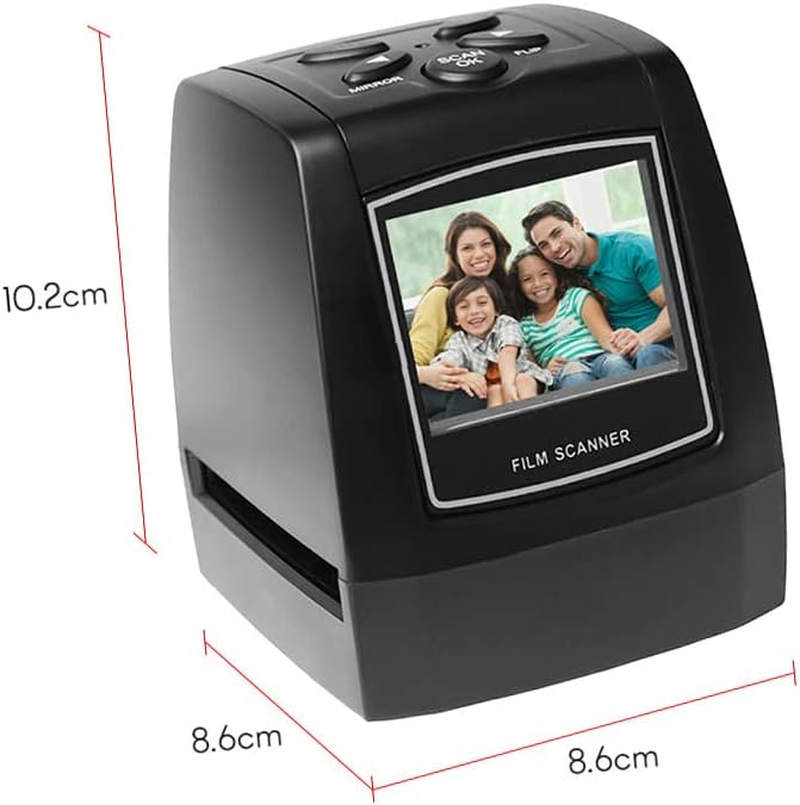
Item Size: 8.6 * 8.6 * 10.2 cm / 3.4 * 3.4 * in
Package Size: 27 * 14 * 10cm / 10.6 * 5.5 * 3.9in
Package Weight: Approx., 573g / 20.2oz
Package List:
1 * Scanner
1 * USB Cable (80cm)
1 * AV Cable (100cm)
2 * Positive Slide Holders
1 * User Manual
1 * Brush
Notes:
SD card is not included.
We don't provide power plug.
FQA: The reason why you can not connect scanner to your computer via USB?
1. USB mode of the machine may not be set yet.
2. Maybe there's something wrong with your computer USB interface, try other one.
3. Customers' SD card may be locked, you can unlock it and try to scan again.
A$126.65
Shipping to Australia
Delivery time varies by location
Return & Refund Policy
Check our return & refund policy
Security & Privacy
Safe payments: We do not share your personal
details
Availability:
-
In Stock
Sign
in
or create an eMega account
Shop smarter — get exclusive deals & order
tracking