Free Shipping – Store Wide
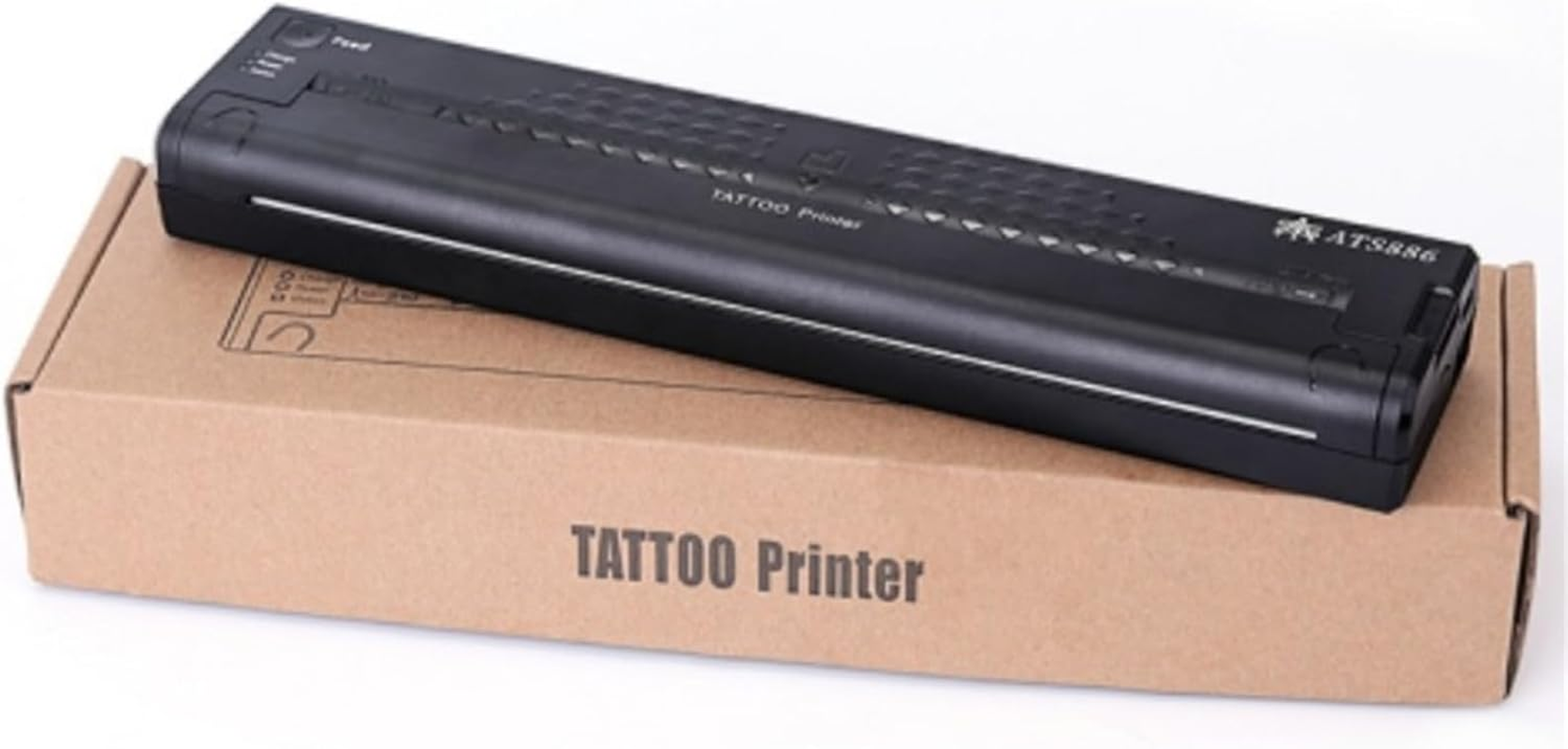
Wireless Tattoo Transfer Printer Portable Machine Black
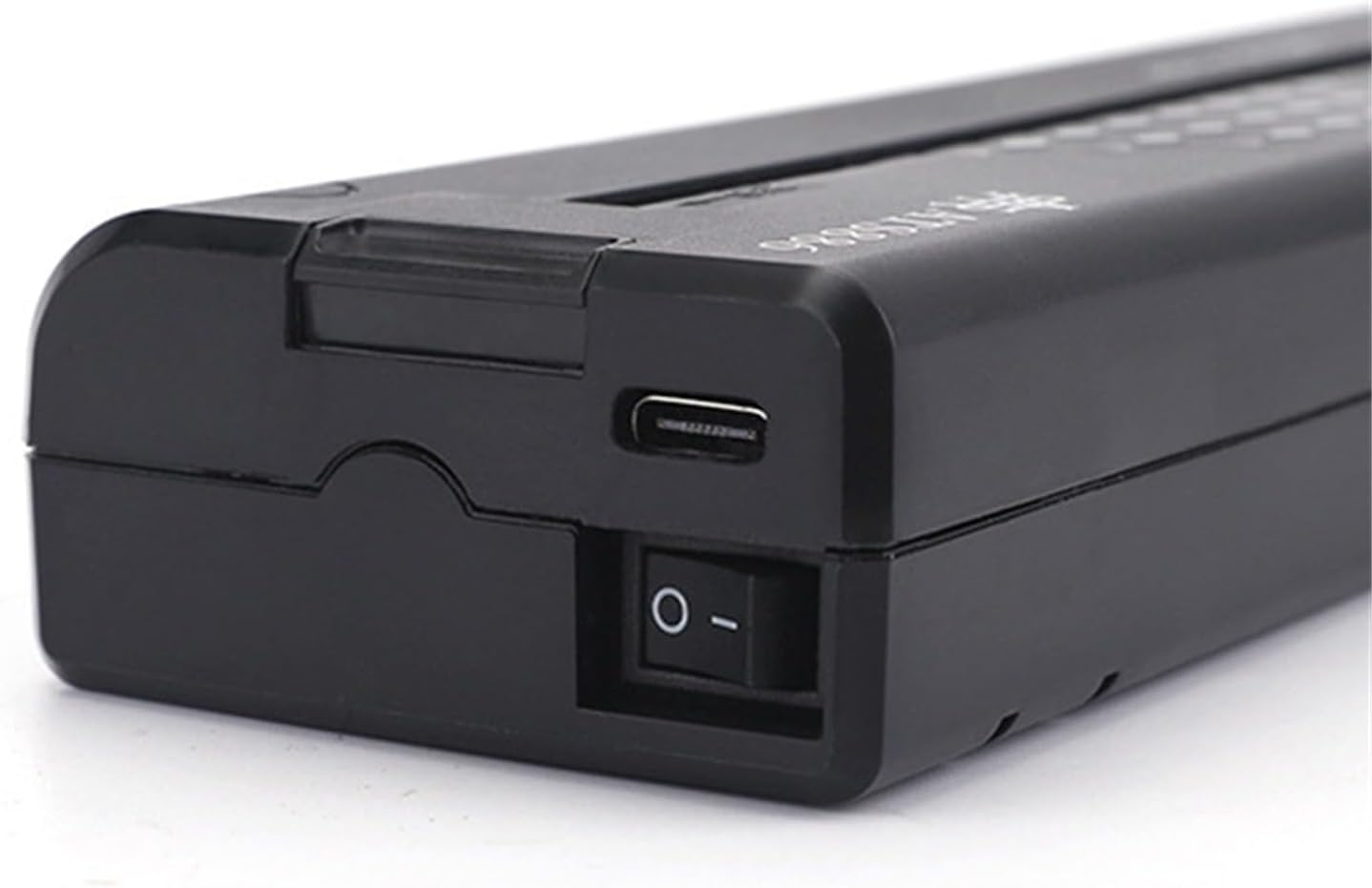
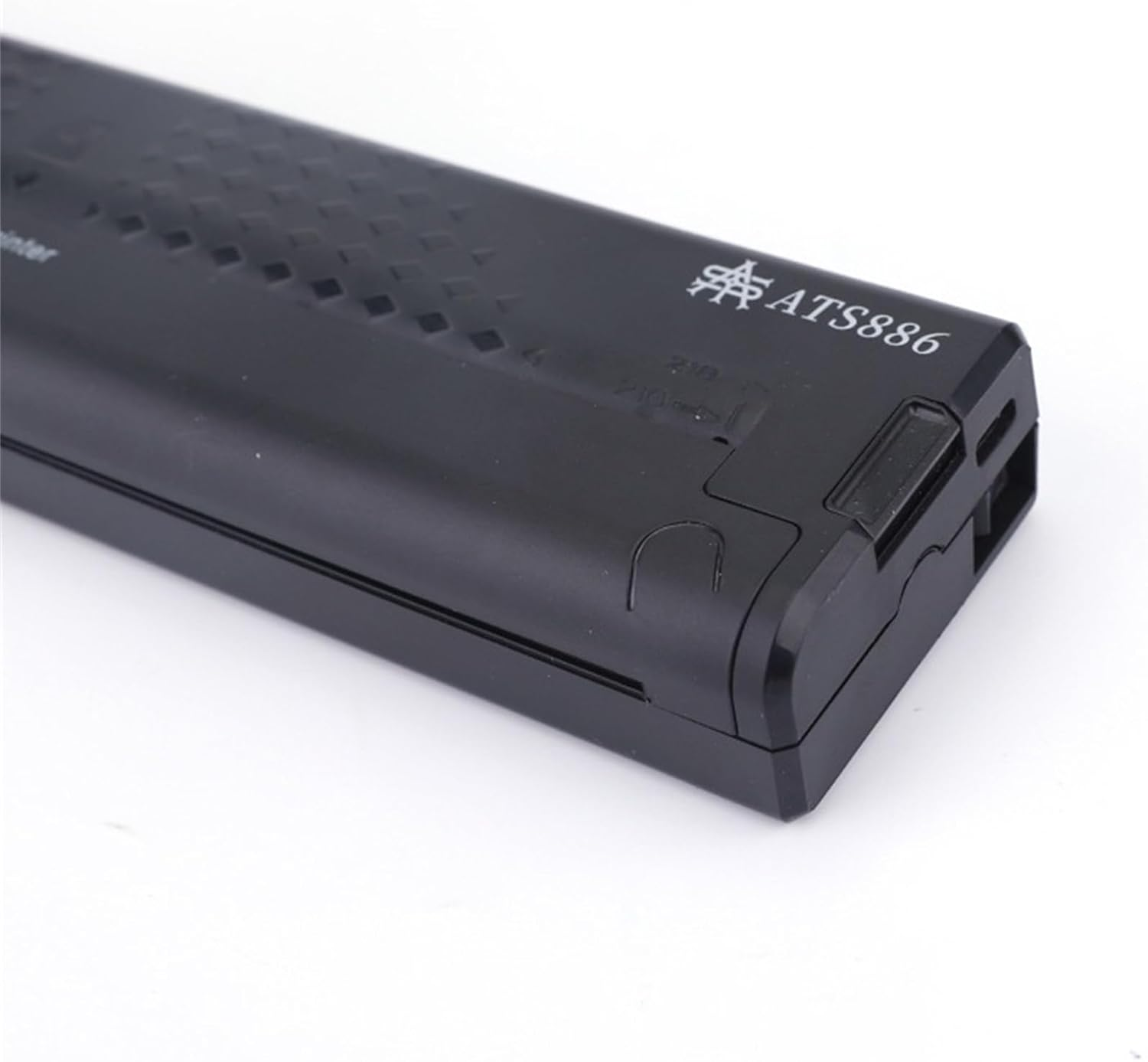
Wireless Tattoo Transfer Printer Portable Machine Black
A$179.40
Availability:
-
In Stock
Product details
- Portable: Lightweight 500g and compact for easy transportation;
- PC Compatibility: Works with XP/WINT7/WIN8/WIN10 operating systems;
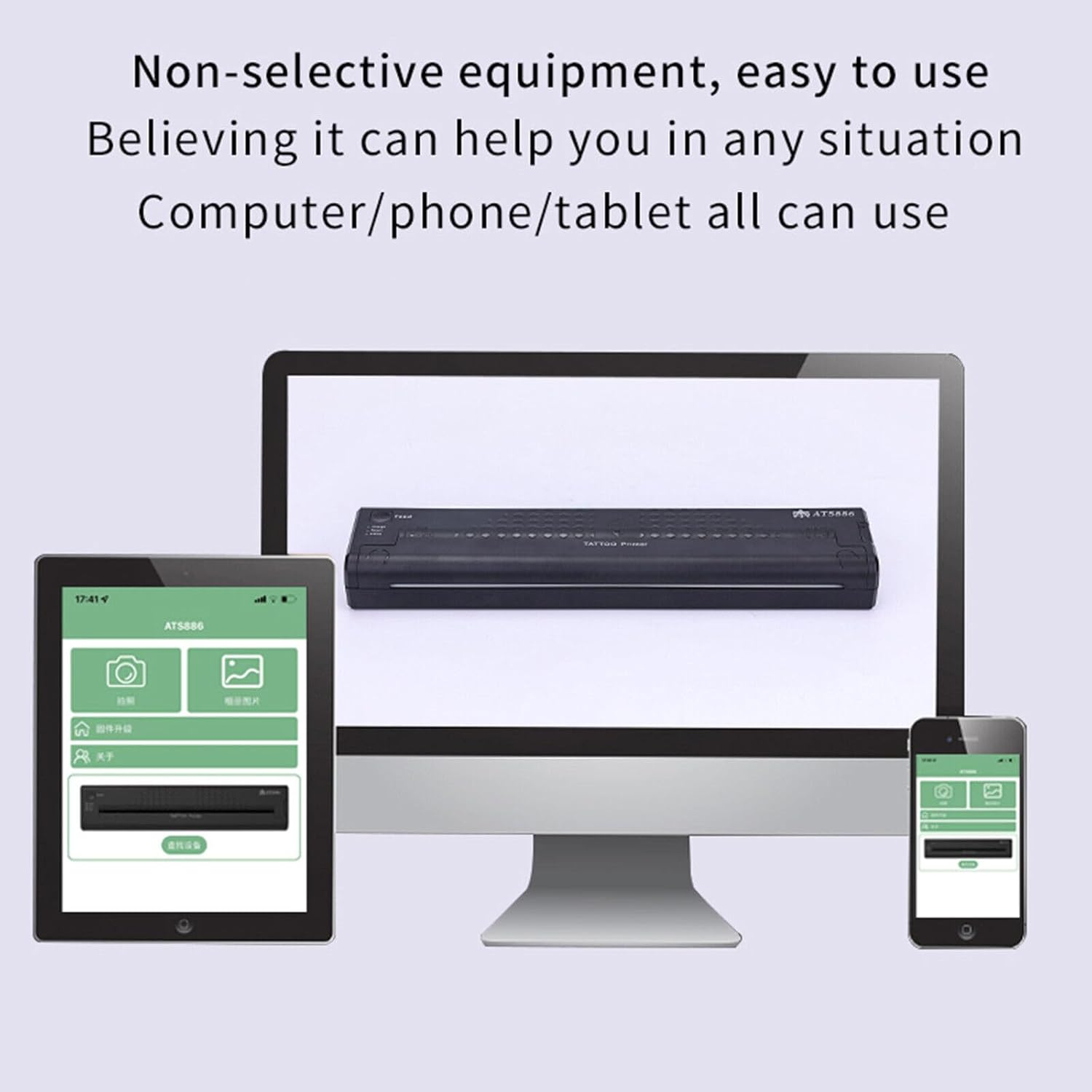
- Multiple Transfer Methods: Connects to computers, mobile phones, and tablets for operation;
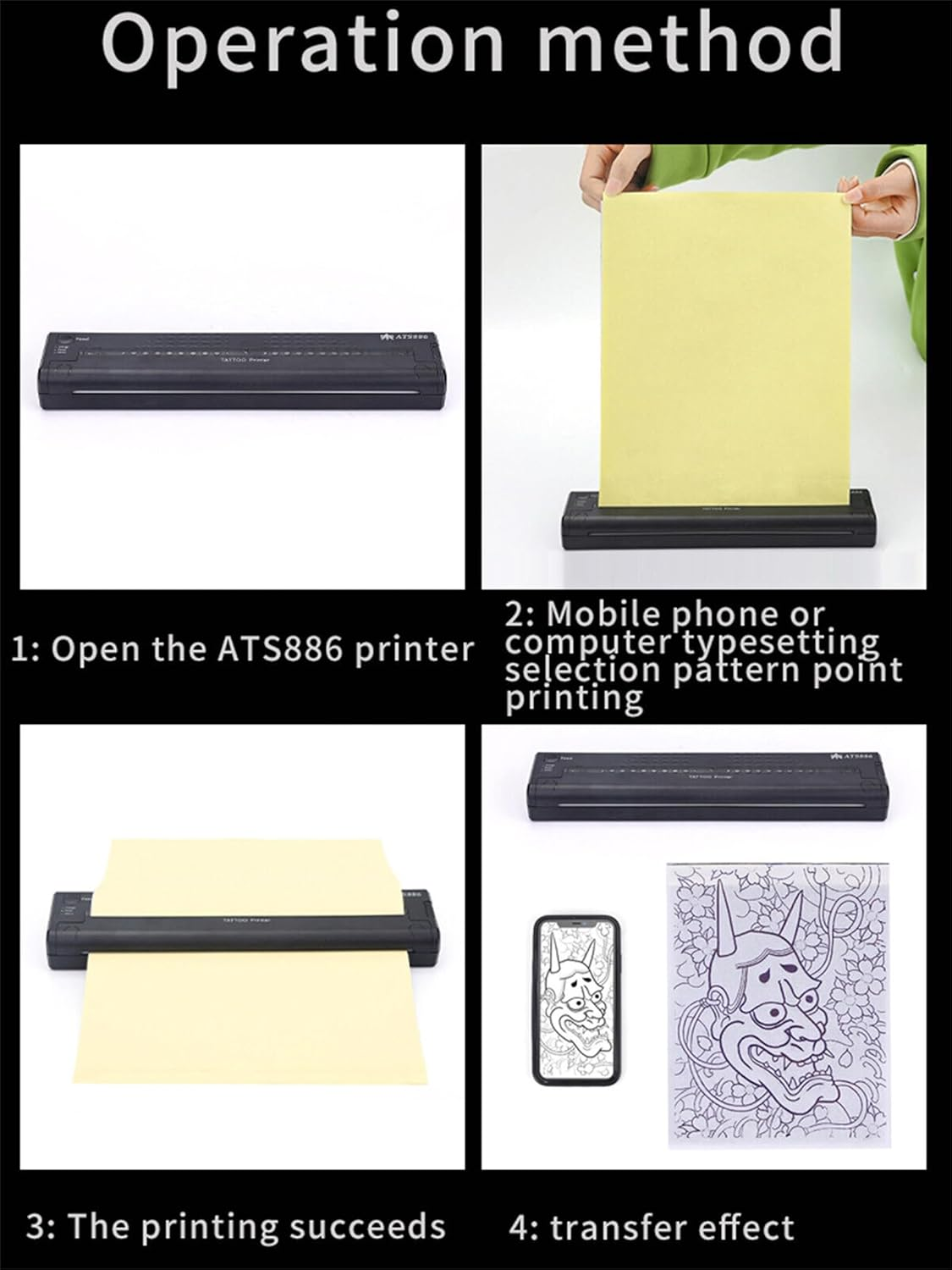
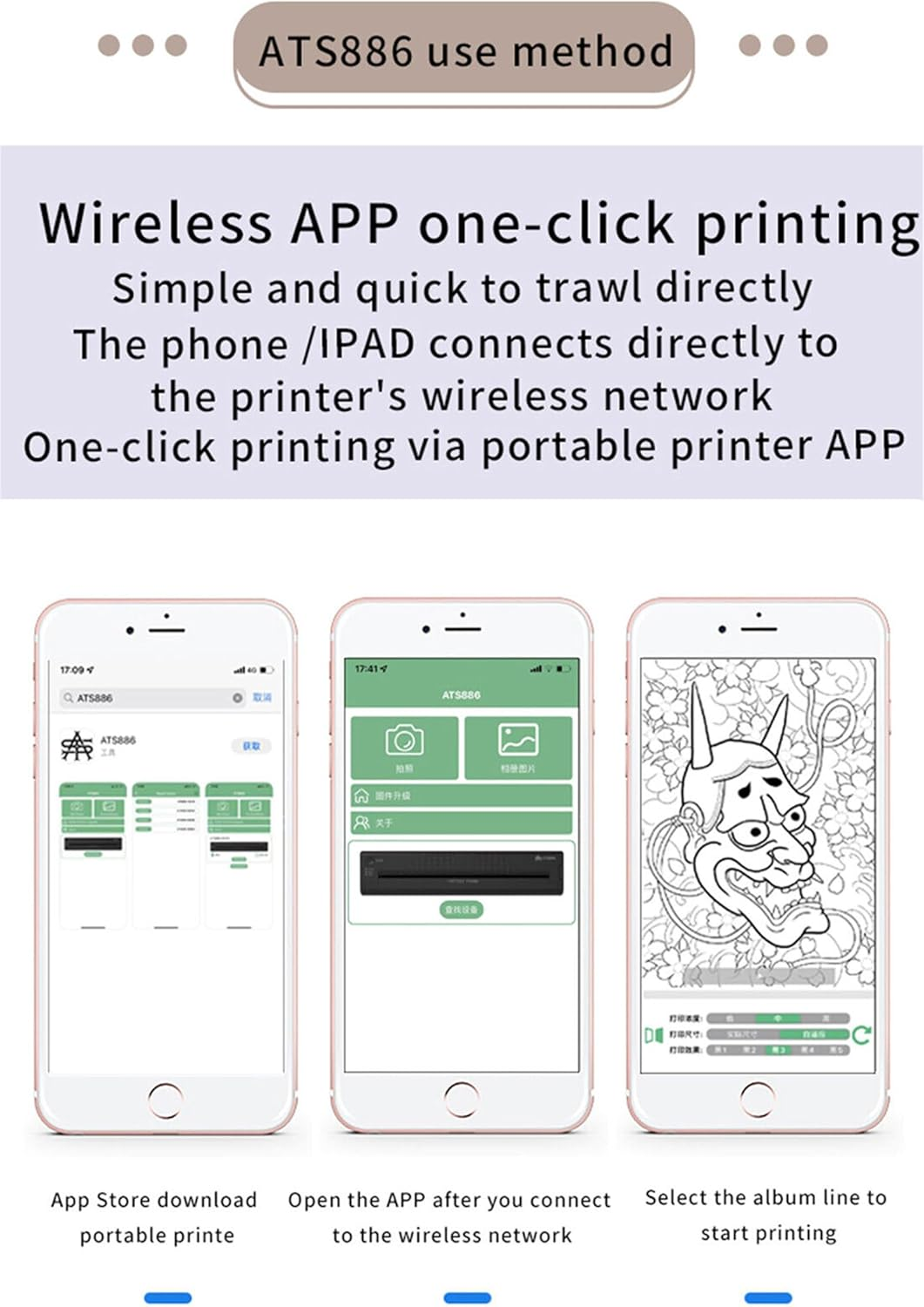
- Easy Operation: No need for printed line drafts. Simply download the app, connect wirelessly, and select the desired image to print;
- User-Friendly: Provides a hassle-free experience with simple and intuitive operation.
Description
Mirror: Shifts between tow kinds of light situation. Mirror Copy and Normal Copy. The default situation is Mirror Copy. When the mirror copy function starts, the mirror light works.
Normal : Shifts between tow kinds of light situation. When the normal copy function starts, the normal light works.
Deepness 1: To set the copied documents by Deepness 1. When the Deepness 1 works, the Deepness 2 goes off
Deepness 2: to set the copied documents by Deepness 2. When the Deepness 2 works, the Deepness 1 goes off.
Copy: To start the copy function.
Stop: To stop the copy function.
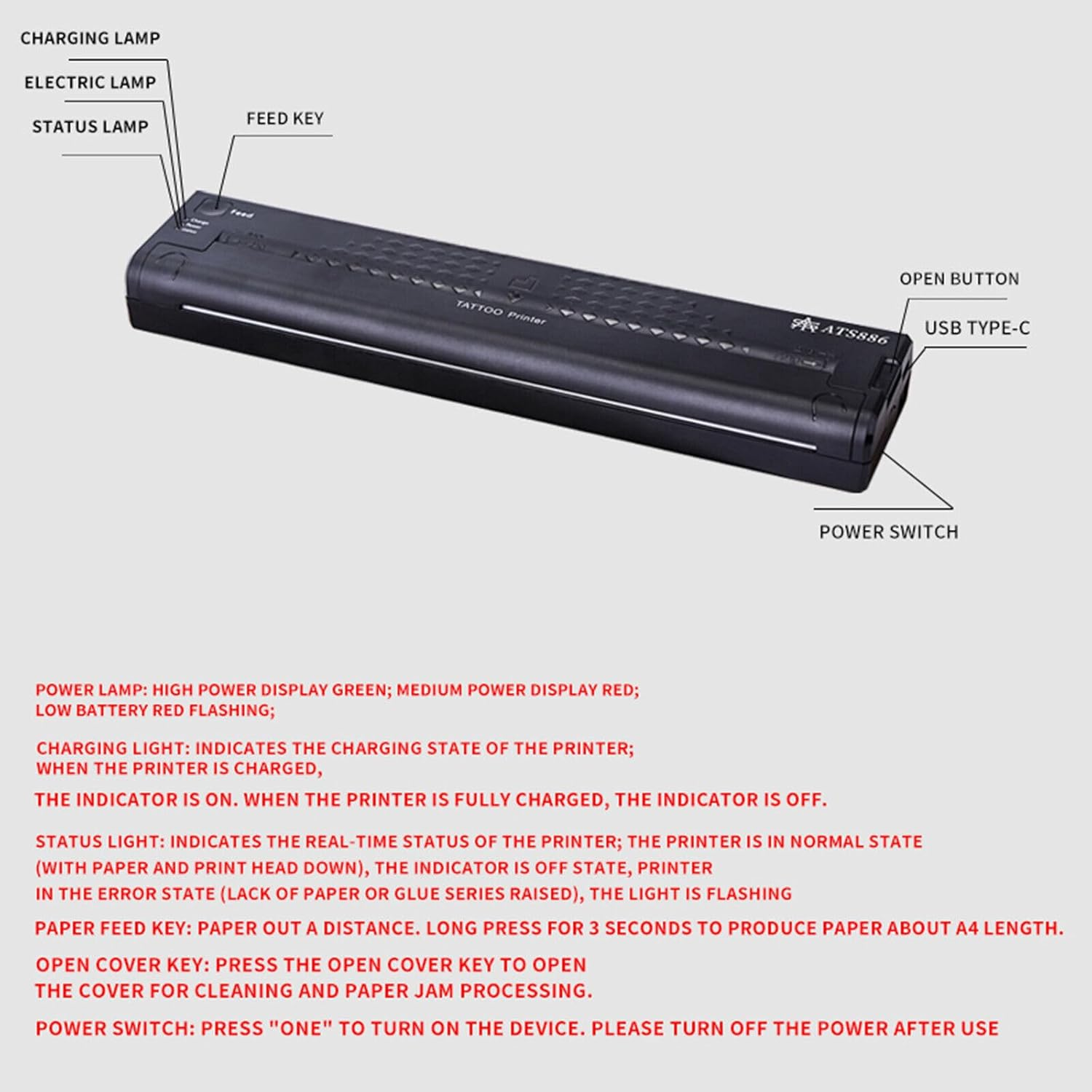
Power: The light indicates that the machine is prepared for working.
Error: The light is to show something wrong happened on the machine. When the TPH is Overheating, the light goes on
Specification:
Material: ABS
Scanning Mode: CIS
Scanning Resolution: Horizontal: 8dot/mm, Vertical: 7.7line/mm
Effective Scanning Width: Approx. 210mm / 8.3inch
Document Type: Fine/Photo
Document Size: A5-A4
Document Thickness: Approx.0.06mm-0.15mm
Recording Mode: TPH
Effective Printing Width: Approx. 210mm / 8.3inch
Power: AC 110V-240V
Power Consumption: Standby 5W
Frequency: 50
Working Temperature: 5℃-35℃
Relative Humidity: 20%-80%
Optional Plugs: AU Plug
Color: Black
Size: Approx. 28 * 17 * 7.6cm
Item Type: Transfer Machine
Function: Transfer Printing For Normal Tattoo Paper And Photo
How to use the tattoo transfer machine?
1. Select your favorite pattern and type it on a blank paper.
2. Turn the machine on.
3. Open the transfer paper cover.
4. Put the yellow side of the stencil sheets into the transfer paper input mouth.
5. Put the printed pattern into the document feeder.
6. Set up the copy mode
7. Press the copy button.
Note: If the warning signal sounds and ERROR light works,
- Number of Items: 1
- Manufacturer reference: HLWS009-
- Manufacturer Part Number: HLWS009-
- Item Weight: 500 g
- Manufacturer: FinOti
- Size: Portable
A$179.40
Shipping to Australia
Delivery time varies by location
Return & Refund Policy
Check our return & refund policy
Security & Privacy
Safe payments: We do not share your personal
details
Availability:
-
In Stock
Sign
in
or create an eMega account
Shop smarter — get exclusive deals & order
tracking